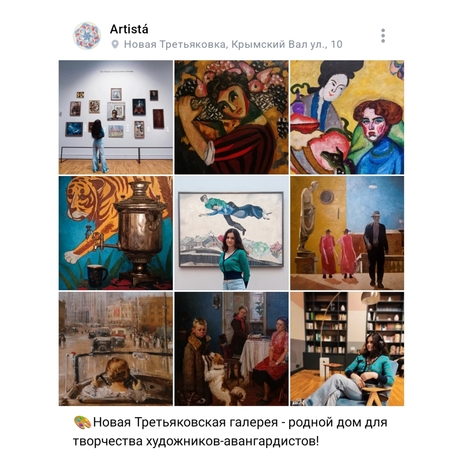
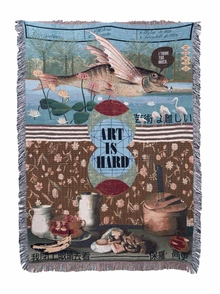
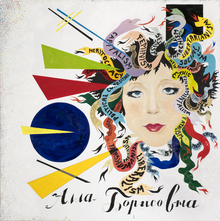
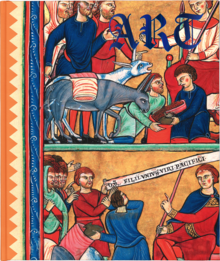
Artistá (с исп. художница) — авторский мобильный фотопроект и творческая платформа на базе сообщества «ВКонтакте», объединяющая визуальную практику, культурную навигацию и генерацию творческих идей. Проект ведётся одним автором и функционирует, как публичный дневник наблюдения, исследования и вдохновения.
Концепция
Artistá строится на одном убеждении: способность художественно видеть — это навык, а не талант. И этот навык тренируется везде: на улице по дороге домой, в музейном зале, в момент, когда ты решаешь не просто посмотреть, а сделать.
Original size 2560x1920
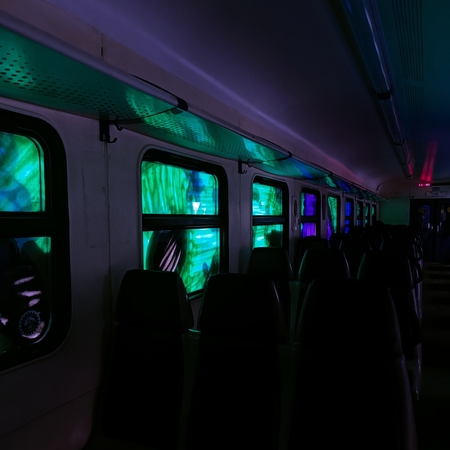
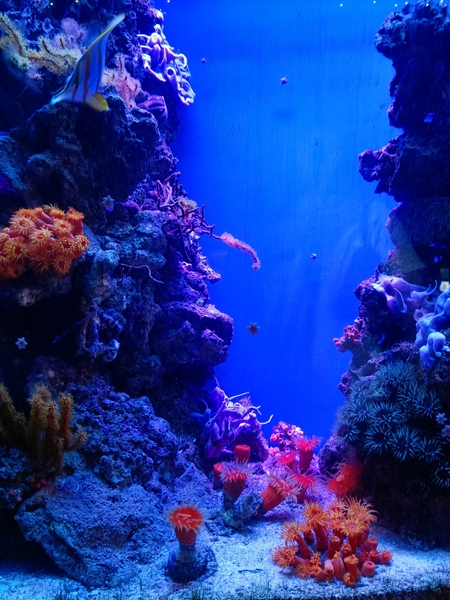
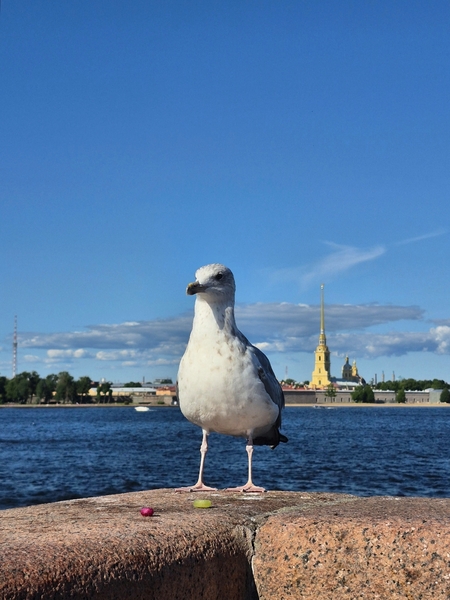
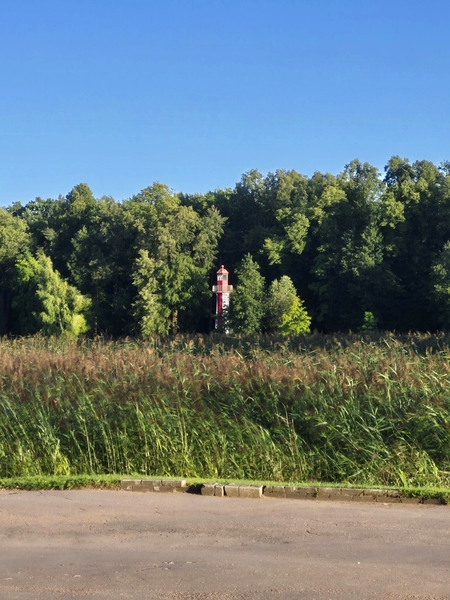
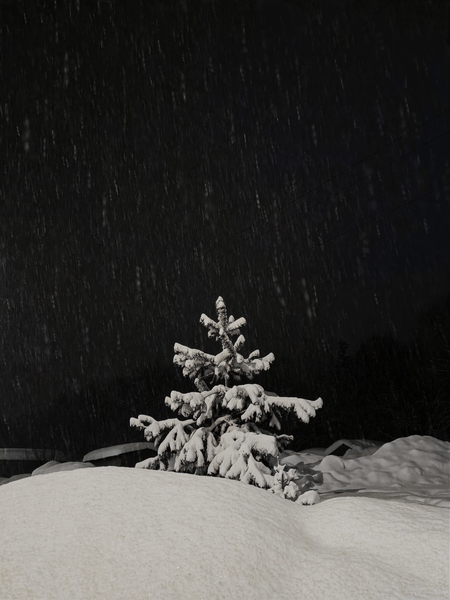
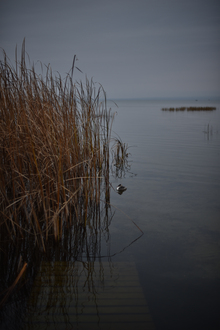
Только мобильная съёмка, без ИИ, без профессиональной оптики. Проект фиксирует красоту, существующую в текущий момент времени. Порой, в один миг.
Структура
Artistá включает три направления, работающие как единая система:
«Малые города большой реки» Что это значит? Это малые города расположенные на большой реке Волга, по её сторонам и устьям. Часто ли мы отправляемся в путешествие по Золотому кольцу малых городов? Зачастую туристический маршрут мы строим по большим городам, атмосферным и очень красивым, с глубокой историей и большой значимостью. В малые города мы можем заглянуть не надолго, как бы по пути, не закладывая на них большего внимания и времени. А ведь малые города достойны быть увиденными и услышанными на уровне больших городов. Там идёт своя жизнь, своя смена времени года, свои, не менее значимые достопримечательности, а история малого города может конкурировать с большими городами, а какая там сувенирная продукция! Просто загляденье. Давайте заглянем?
«Золотое кольцо — это не только памятники прошлого и архитектурные символы России. Это города, где история продолжается каждый день. В этих местах древние храмы соседствуют с обычной жизнью: люди работают, дети играют, мастера сохраняют ремёсла, а старые улицы хранят следы времени. Эта серия — попытка увидеть не открытку, а живое пространство, где прошлое и настоящее существуют рядом».
Press space bar to start a drag.
When dragging you can use the arrow keys to move the item around and escape to cancel.
Some screen readers may require you to be in focus mode or to use your pass through key
Press space bar to start a drag.
When dragging you can use the arrow keys to move the item around and escape to cancel.
Some screen readers may require you to be in focus mode or to use your pass through key
Press space bar to start a drag.
When dragging you can use the arrow keys to move the item around and escape to cancel.
Some screen readers may require you to be in focus mode or to use your pass through key
Press space bar to start a drag.
When dragging you can use the arrow keys to move the item around and escape to cancel.
Some screen readers may require you to be in focus mode or to use your pass through key
Press space bar to start a drag.
When dragging you can use the arrow keys to move the item around and escape to cancel.
Some screen readers may require you to be in focus mode or to use your pass through key
Press space bar to start a drag.
When dragging you can use the arrow keys to move the item around and escape to cancel.
Some screen readers may require you to be in focus mode or to use your pass through key
Press space bar to start a drag.
When dragging you can use the arrow keys to move the item around and escape to cancel.
Some screen readers may require you to be in focus mode or to use your pass through key
Press space bar to start a drag.
When dragging you can use the arrow keys to move the item around and escape to cancel.
Some screen readers may require you to be in focus mode or to use your pass through key
Press space bar to start a drag.
When dragging you can use the arrow keys to move the item around and escape to cancel.
Some screen readers may require you to be in focus mode or to use your pass through key
Press space bar to start a drag.
When dragging you can use the arrow keys to move the item around and escape to cancel.
Some screen readers may require you to be in focus mode or to use your pass through key
Press space bar to start a drag.
When dragging you can use the arrow keys to move the item around and escape to cancel.
Some screen readers may require you to be in focus mode or to use your pass through key
Press space bar to start a drag.
When dragging you can use the arrow keys to move the item around and escape to cancel.
Some screen readers may require you to be in focus mode or to use your pass through key
Press space bar to start a drag.
When dragging you can use the arrow keys to move the item around and escape to cancel.
Some screen readers may require you to be in focus mode or to use your pass through key