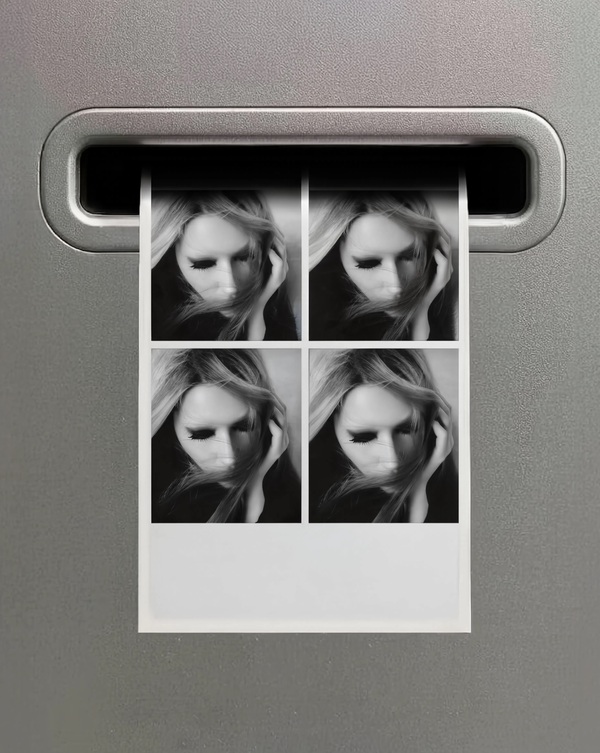
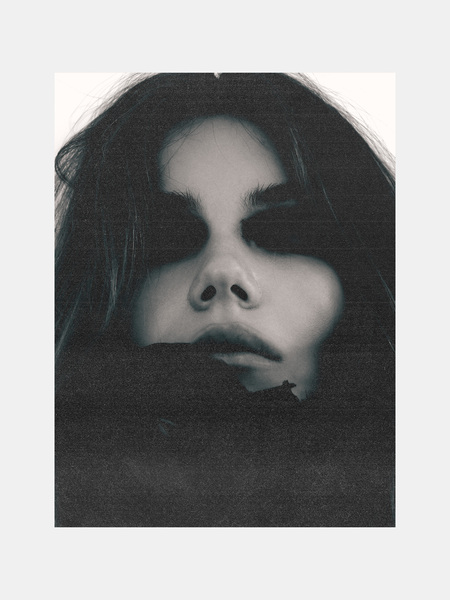
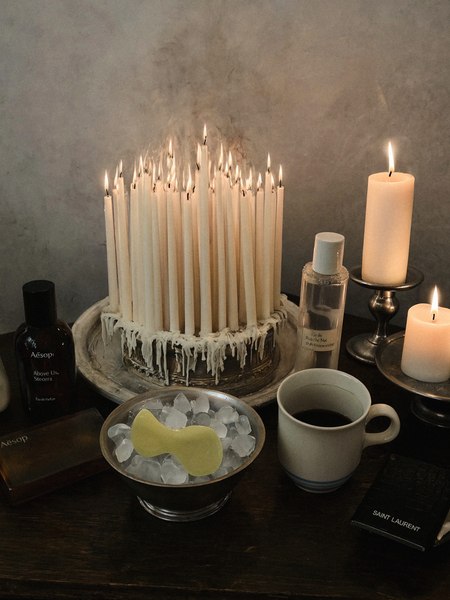
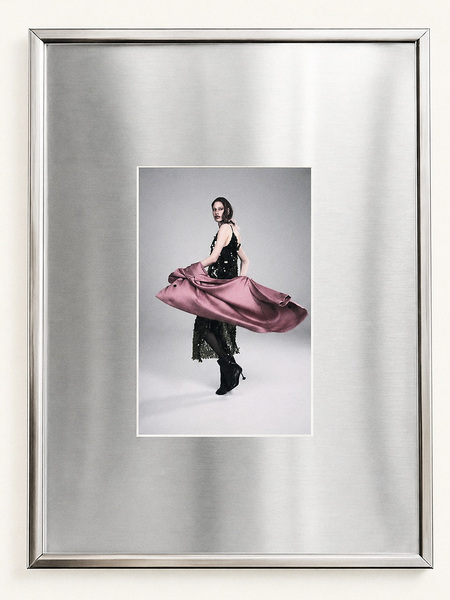
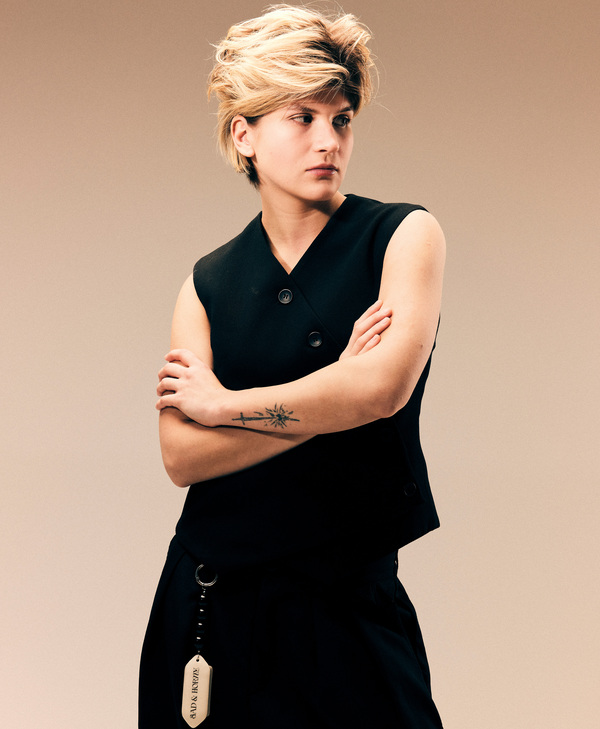
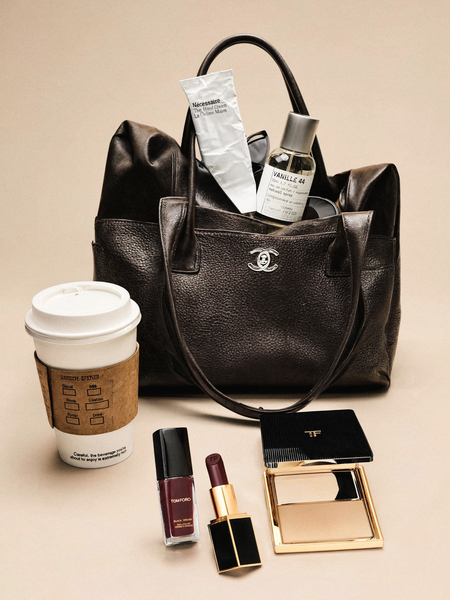
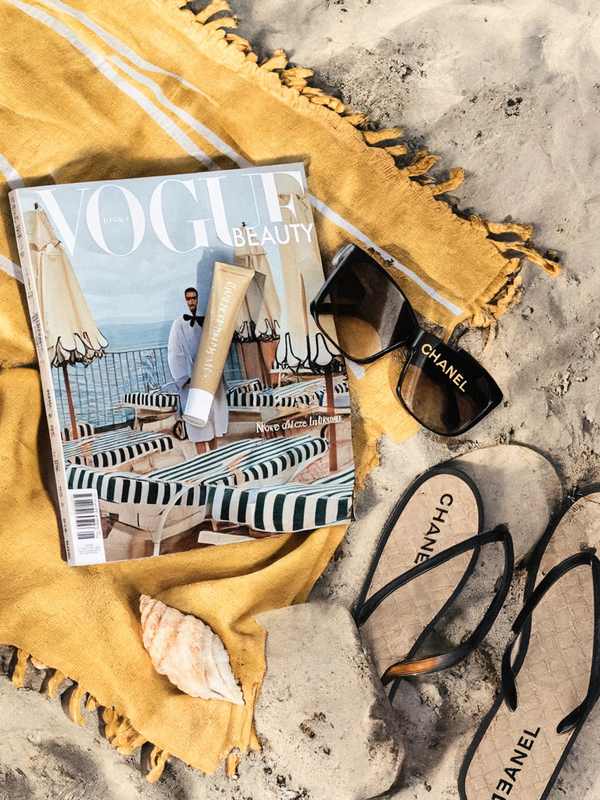
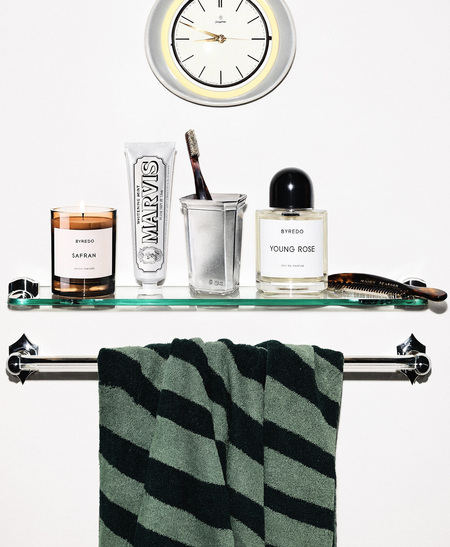
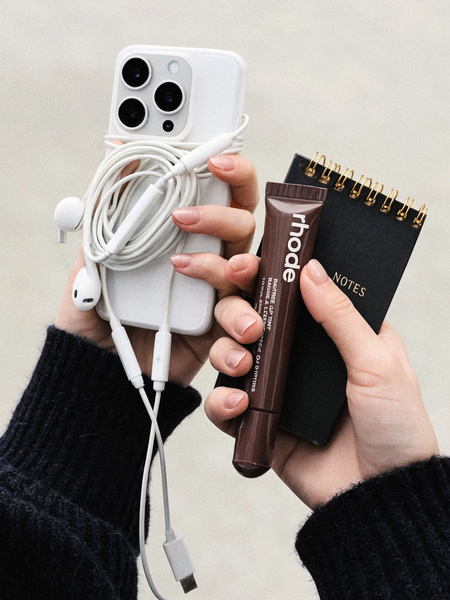
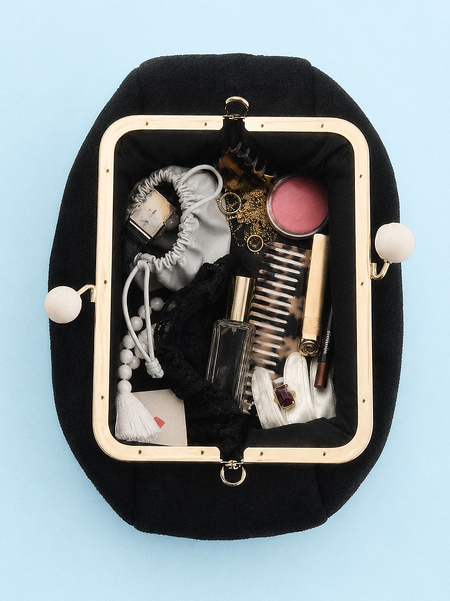
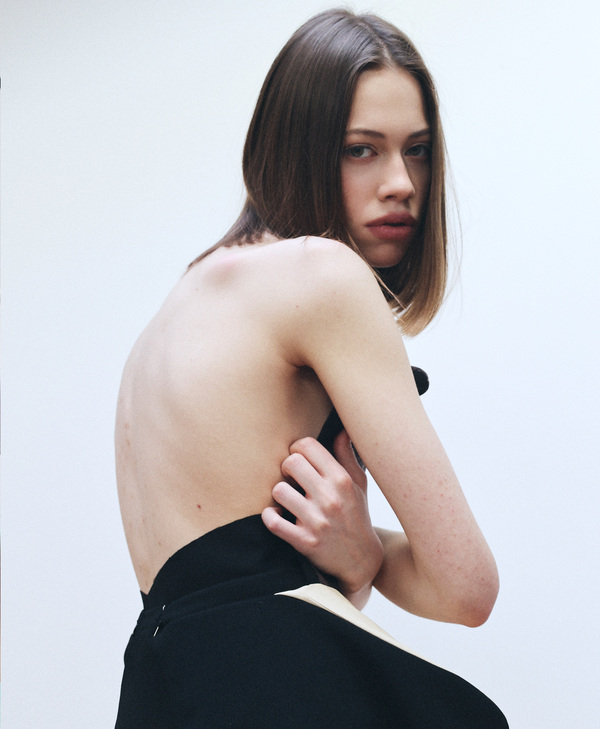
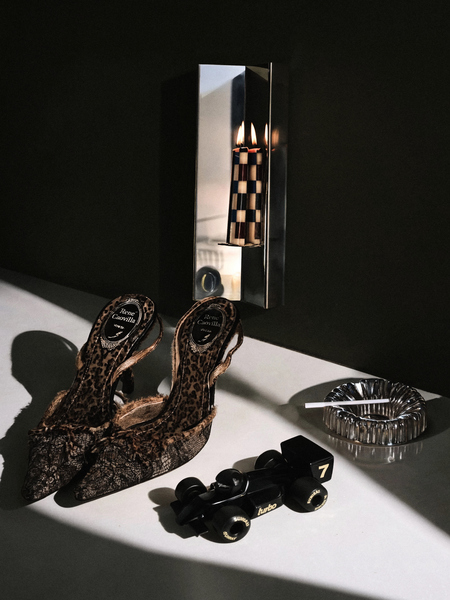
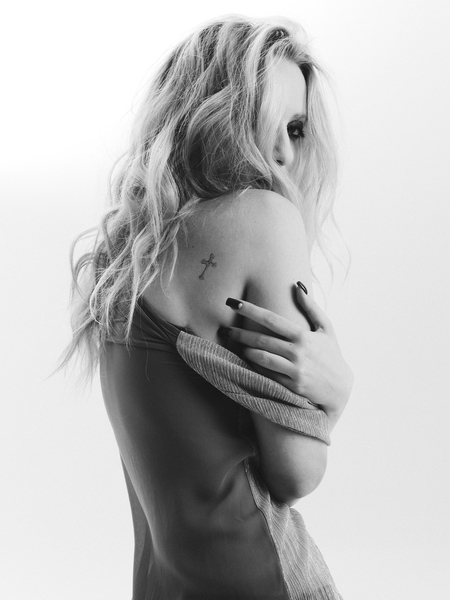
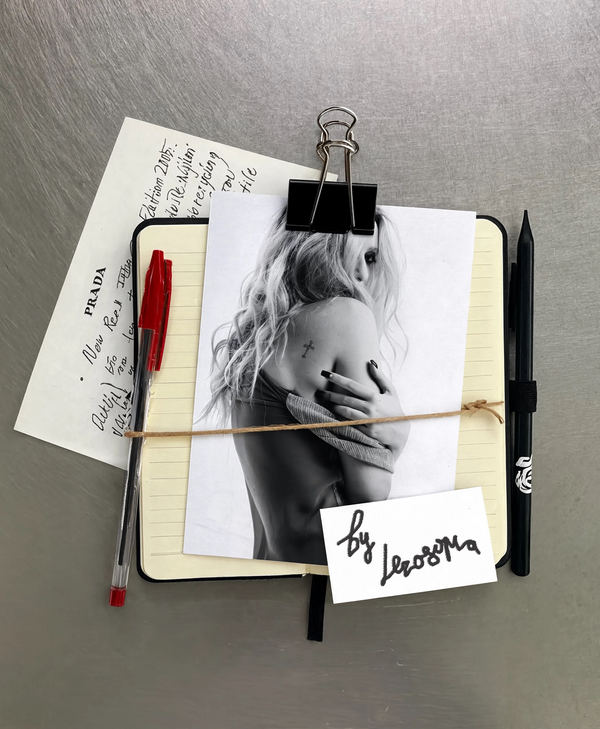
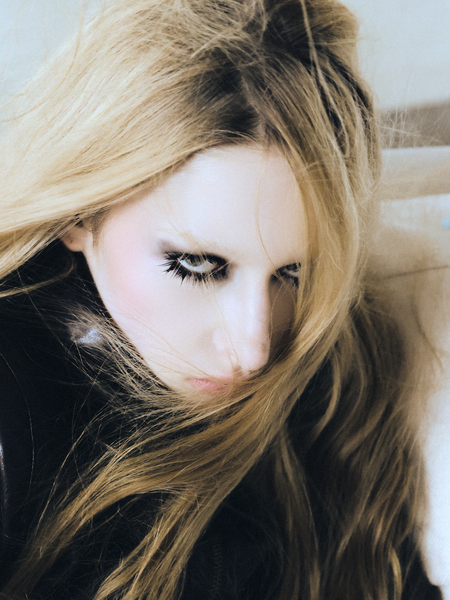
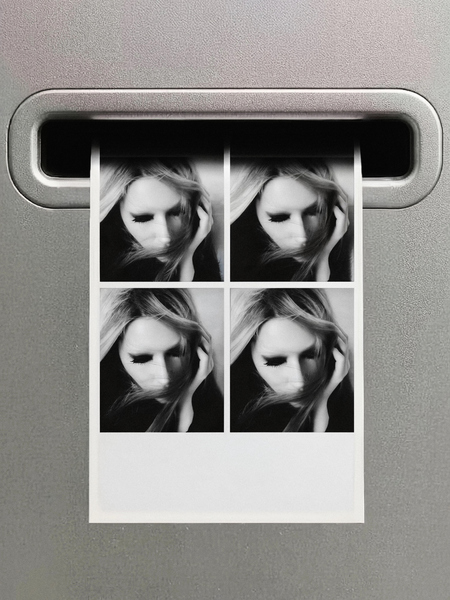
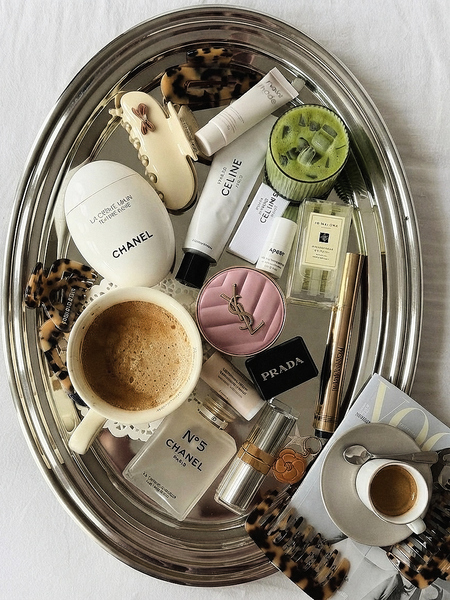
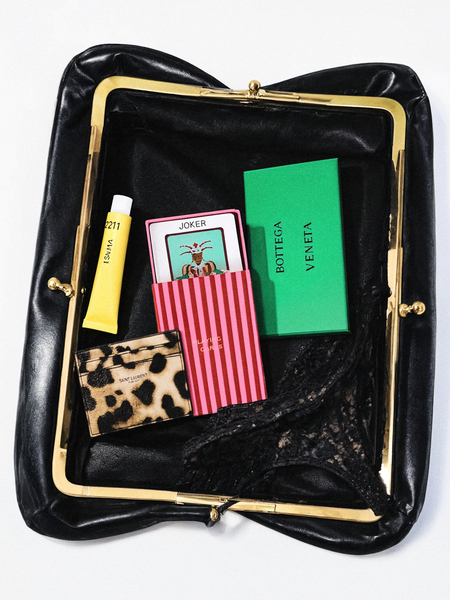
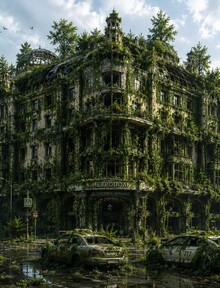
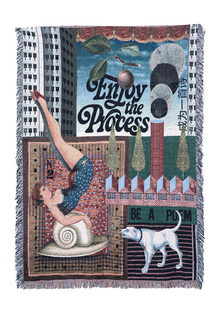
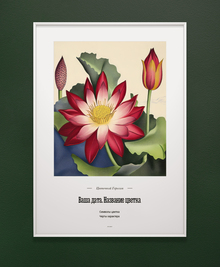
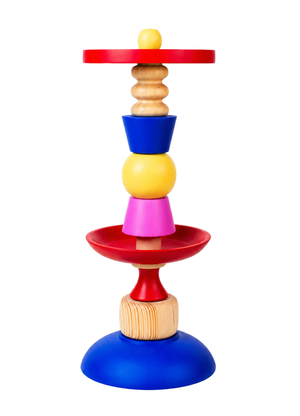
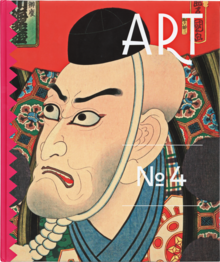
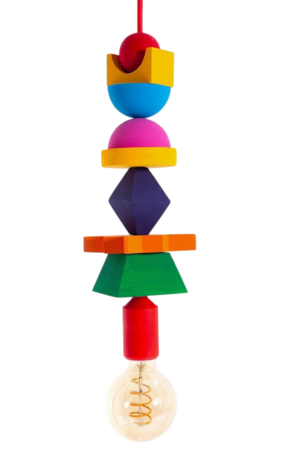
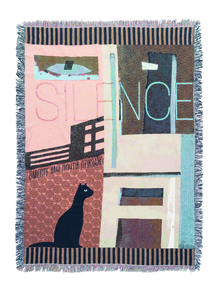
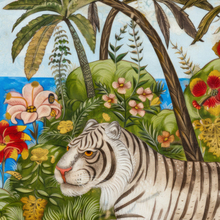
Проект строится на контрасте «живого» и «сгенерированного». В левой части экспозиции — мои оригинальные фэшн-портреты и средние планы девушек: живая кожа, поставленный мною свет, застывший момент съёмки. В правой — предметные генерации (фактуры, аксессуары, детали интерьера и статичные объекты), которых физически не было на площадке, но которые могли бы подойти под предметную концепцию съемки.
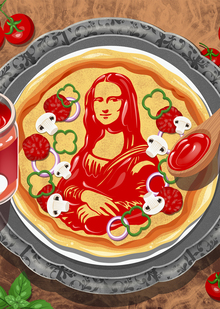
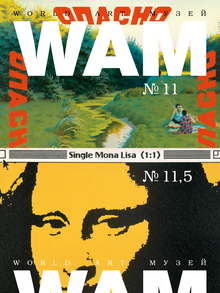
Иллюстрация нарисована в программе Procreate. В основе сюжета — процесс готовки не просто пиццы, а настоящего шедевра. Кулинар, поглощенный творчеством, старается воспроизвести в своем блюде полотно художника Леонардо да Винчи «Мона Лиза». Здесь он подобен художнику, но вместо кисти у него — ложка, а вместо красок — томатная паста «Помидорка». Пицца находится на металлическом подносе с узорами, который по дизайну напоминает багетную раму. Так кулинарный шедевр находит свое обрамление в глазах творца, его гостей и домочадцев, которые также рады оценить необычное блюдо. На кухне, как в мастерской художника, рождаются уникальные произведения-блюда, способные удивлять, радовать и даже вдохновлять. Каждый ингредиент — как мазок кисти, а итоговое блюдо будто картина, рассказывающая историю.
Press space bar to start a drag.
When dragging you can use the arrow keys to move the item around and escape to cancel.
Some screen readers may require you to be in focus mode or to use your pass through key
Press space bar to start a drag.
When dragging you can use the arrow keys to move the item around and escape to cancel.
Some screen readers may require you to be in focus mode or to use your pass through key
Press space bar to start a drag.
When dragging you can use the arrow keys to move the item around and escape to cancel.
Some screen readers may require you to be in focus mode or to use your pass through key
Press space bar to start a drag.
When dragging you can use the arrow keys to move the item around and escape to cancel.
Some screen readers may require you to be in focus mode or to use your pass through key
Press space bar to start a drag.
When dragging you can use the arrow keys to move the item around and escape to cancel.
Some screen readers may require you to be in focus mode or to use your pass through key
Press space bar to start a drag.
When dragging you can use the arrow keys to move the item around and escape to cancel.
Some screen readers may require you to be in focus mode or to use your pass through key
Press space bar to start a drag.
When dragging you can use the arrow keys to move the item around and escape to cancel.
Some screen readers may require you to be in focus mode or to use your pass through key
Press space bar to start a drag.
When dragging you can use the arrow keys to move the item around and escape to cancel.
Some screen readers may require you to be in focus mode or to use your pass through key
Press space bar to start a drag.
When dragging you can use the arrow keys to move the item around and escape to cancel.
Some screen readers may require you to be in focus mode or to use your pass through key
Press space bar to start a drag.
When dragging you can use the arrow keys to move the item around and escape to cancel.
Some screen readers may require you to be in focus mode or to use your pass through key
Press space bar to start a drag.
When dragging you can use the arrow keys to move the item around and escape to cancel.
Some screen readers may require you to be in focus mode or to use your pass through key
Press space bar to start a drag.
When dragging you can use the arrow keys to move the item around and escape to cancel.
Some screen readers may require you to be in focus mode or to use your pass through key