Step-by-step guide for students in the «Fundamentals of Typography» course on creating the final presentation on the hsedesign.ru platform.
1. Create a Project
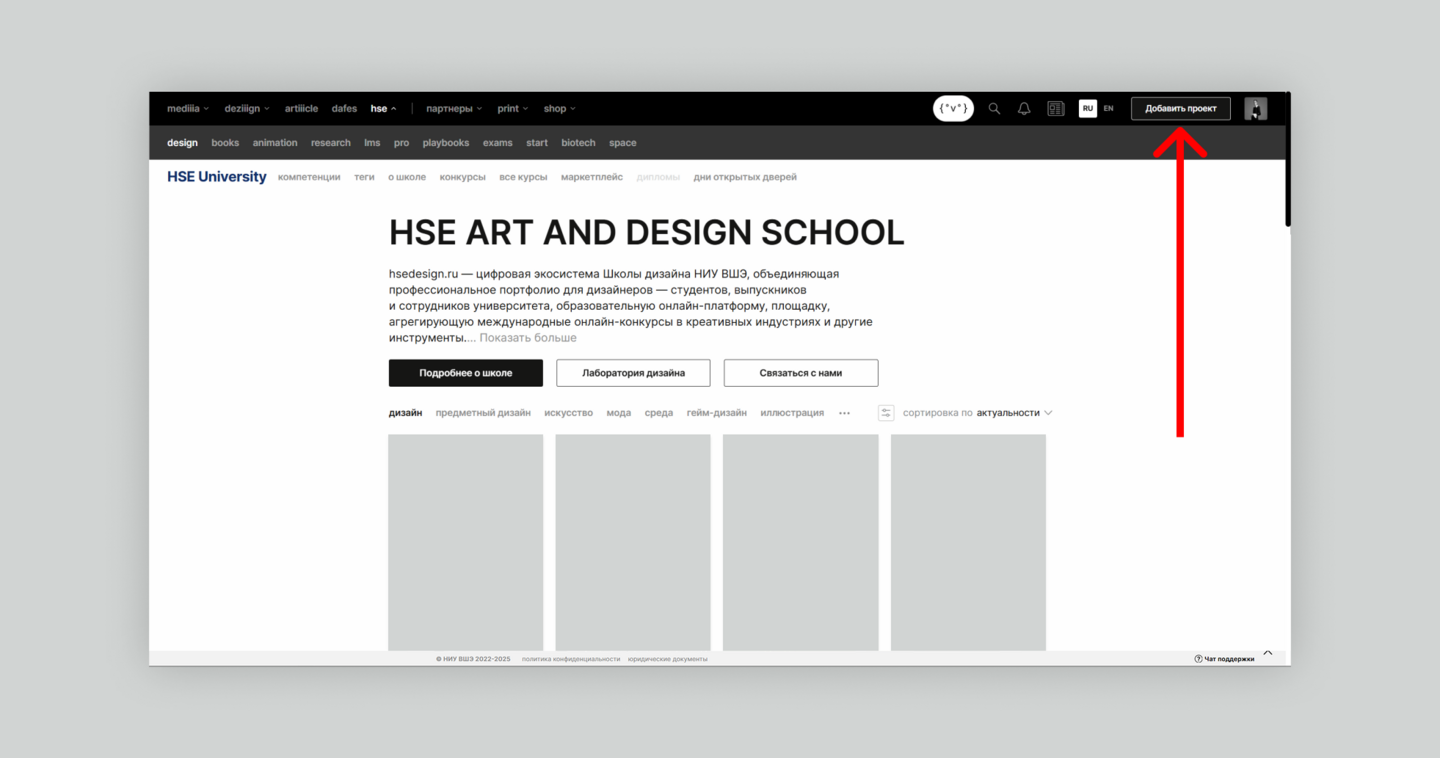
Log in to your account on the hsedesign.ru platform and create a new project.
2. Cover
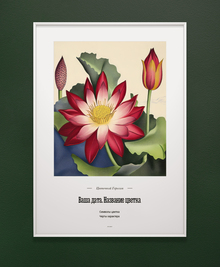
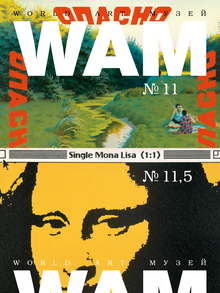
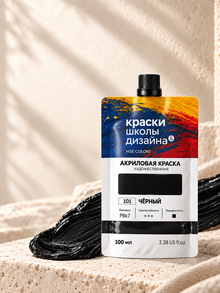
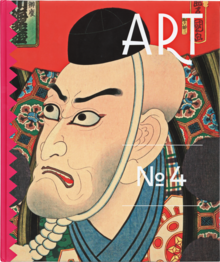
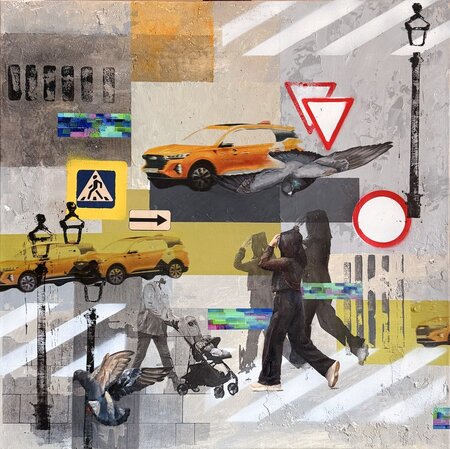
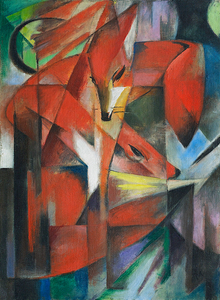
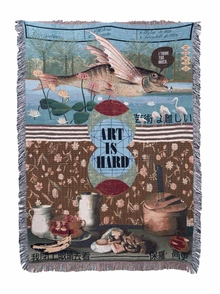
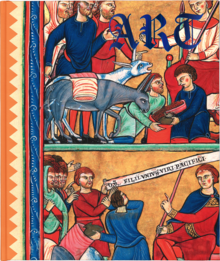
It is a collage of the spreads included in the project. It may repeat the cover from the student portfolio.
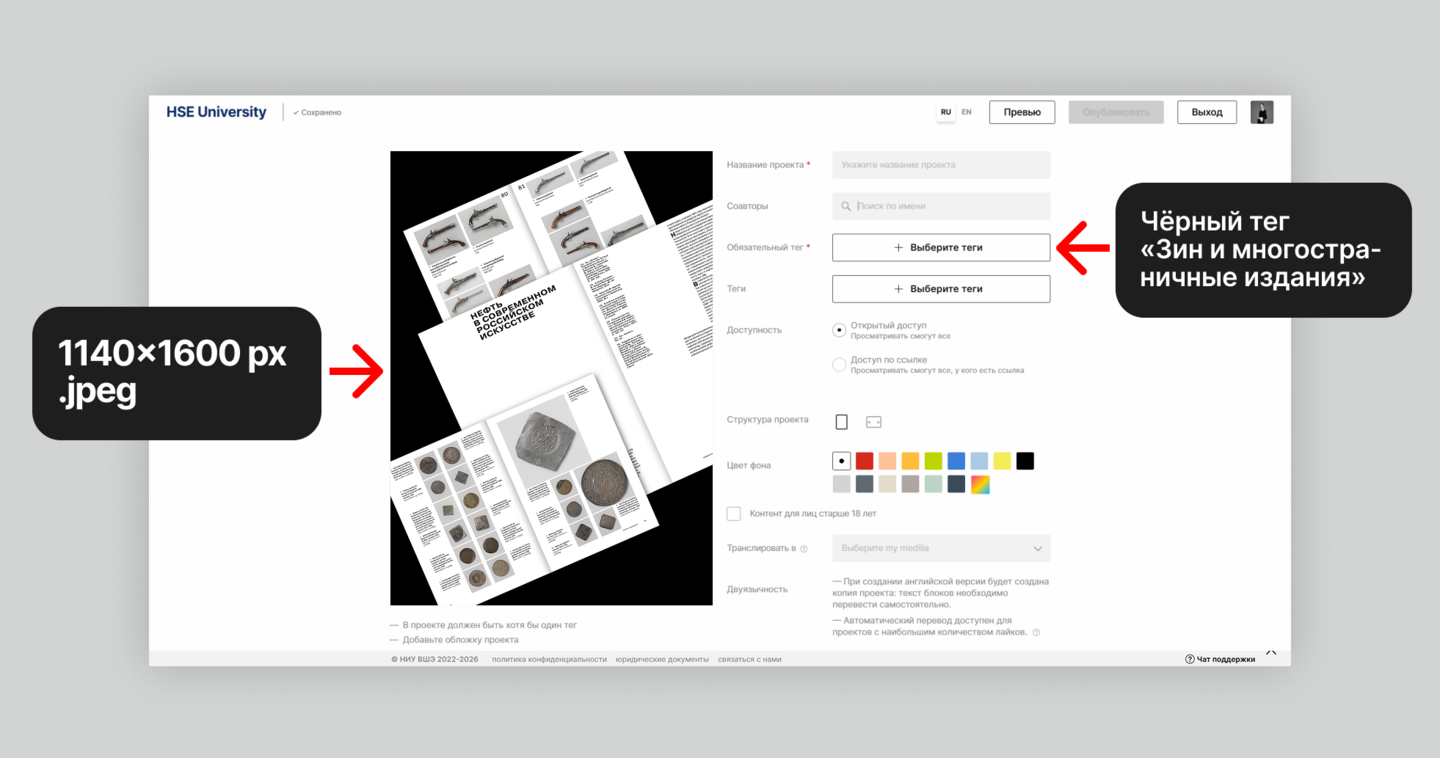
3. Project Title
You can name the project after the most successful
and expressive series of spreads. It is definitely not appropriate to title the project «Fundamentals of Typography.»
4. Project Description
Create a text block with a project abstract. Avoid phrasing related to the learning objective («in this module we studied, ” etc.). Describe the project itself—what it consists of and what themes your spreads cover.
5. Landing Page Content. Presentation Structure
The first module presentation must consist of two sections:
1. Image Layout Techniques;
2. Heading Hierarchy.
The most successful series completed during the module should be placed in each section.
To denote the spread format, use the caption type «Under Object.»
To display the spread grid, it is better to use a GIF or video format. Below is a tutorial on creating GIF images.
Example of an animated multi-column grid. Student: Chachava Ekaterina
Other examples of possible animation. Works by students Denis Kasyanenko and Aleksandra Panchenko.
Slider — another way to display a grid.
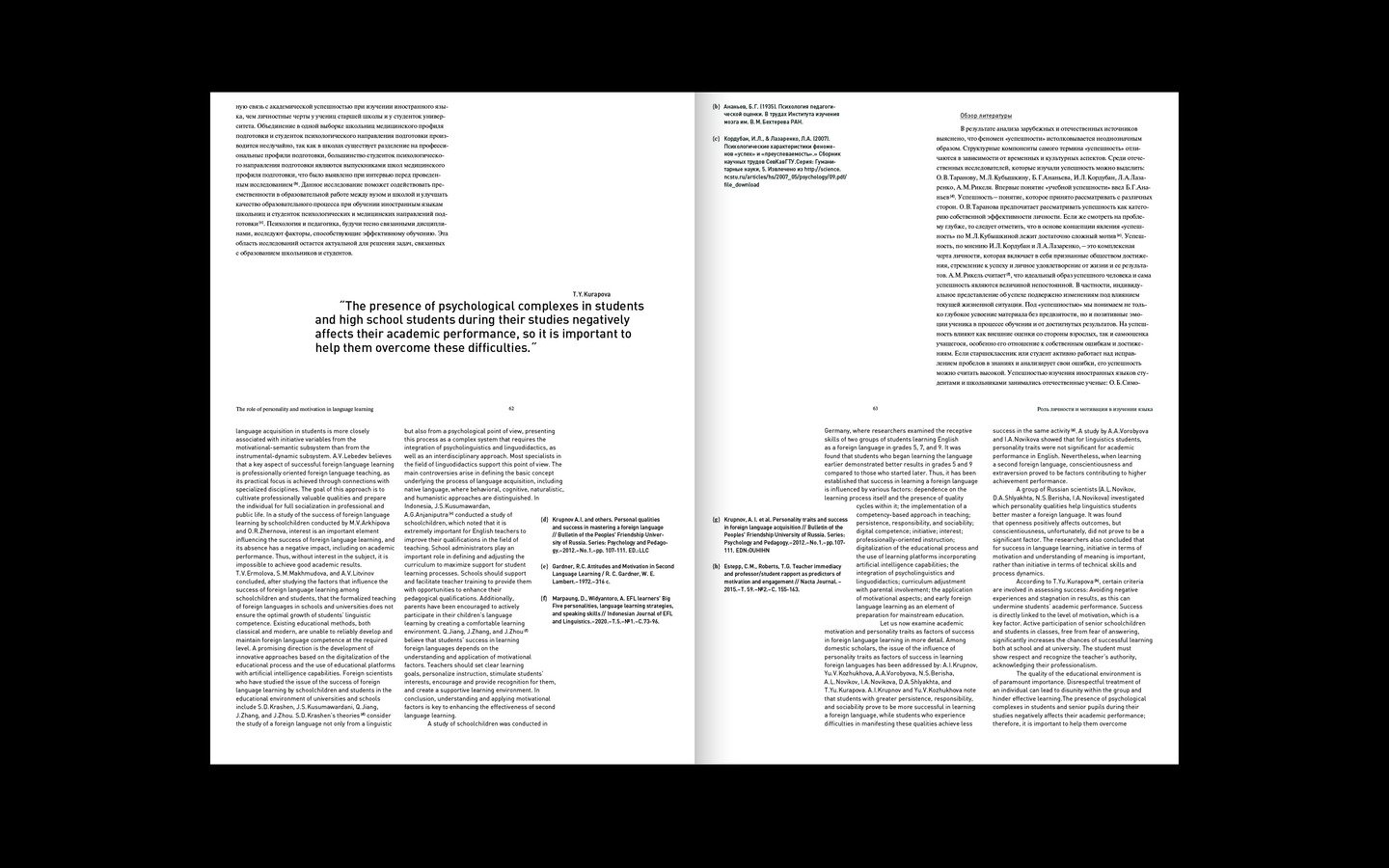
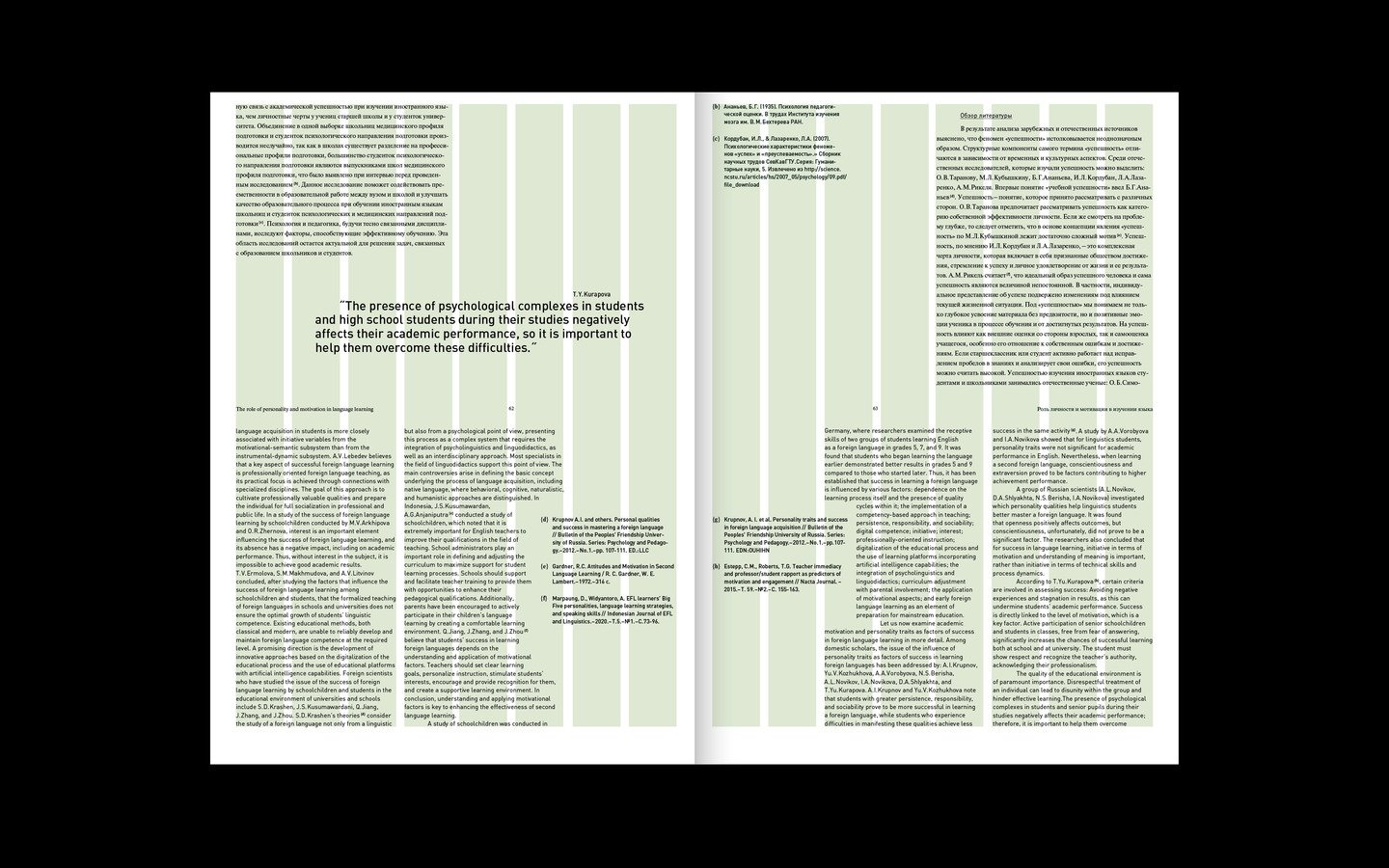
Vary the rhythm of your long-form content: alternate between different types of blocks, avoid monotonous repetition, and incorporate slides featuring large spreads.
What to avoid in your new portfolio presentation:
1. Slides with bulleted lists (like in a student portfolio);
2. Title slides;
3. Technical specifications (font, size, line spacing, etc.);
4. Phrases describing learning objectives.