What does an independent course offer you?
Your opportunity to become a full-fledged course creator, where you can demonstrate your expertise and monetize it.
Building an Organization
Шаг 1
Entry Point
Start your journey on the hsedesign.ru platform.
(1) On the hse design website, look at the top menu and select the MEDIIIA platform.
(2) After navigating to midiiia, select the «education» context.
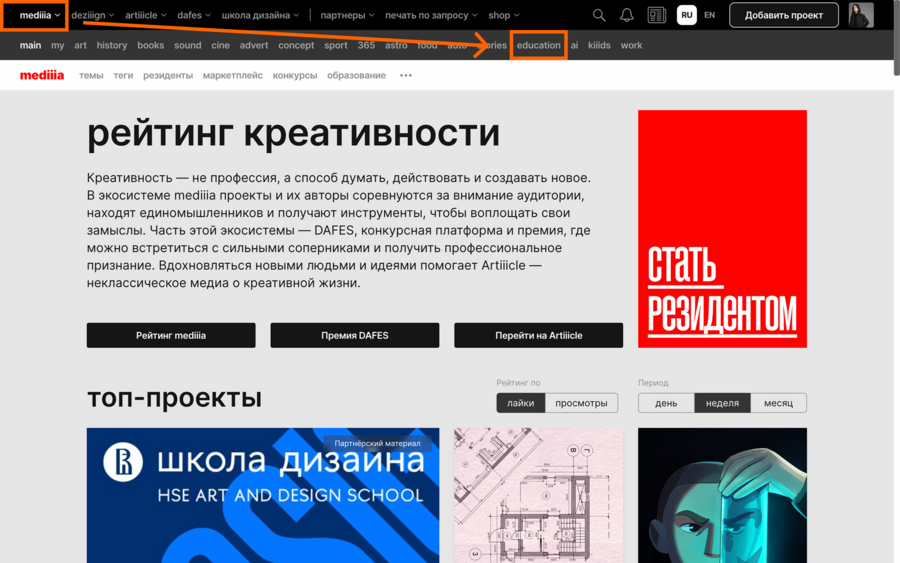
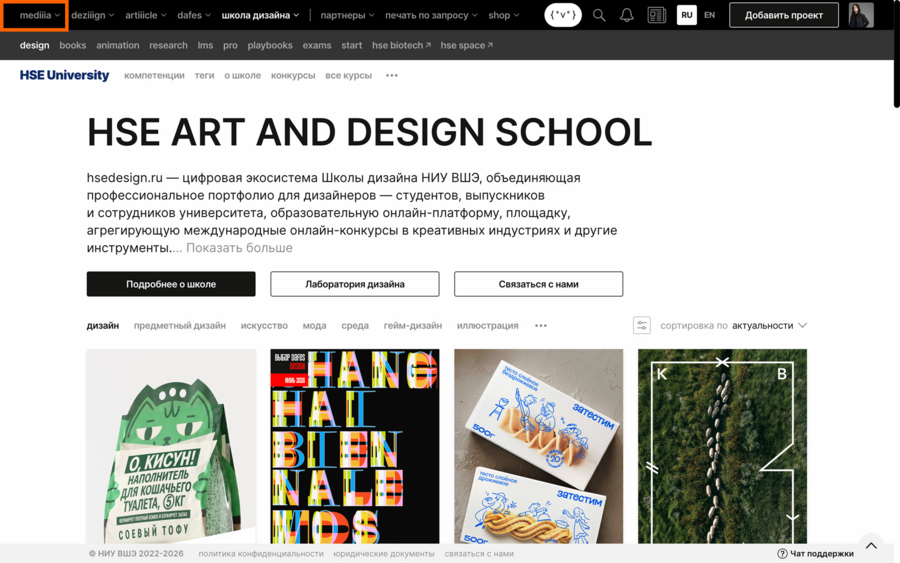
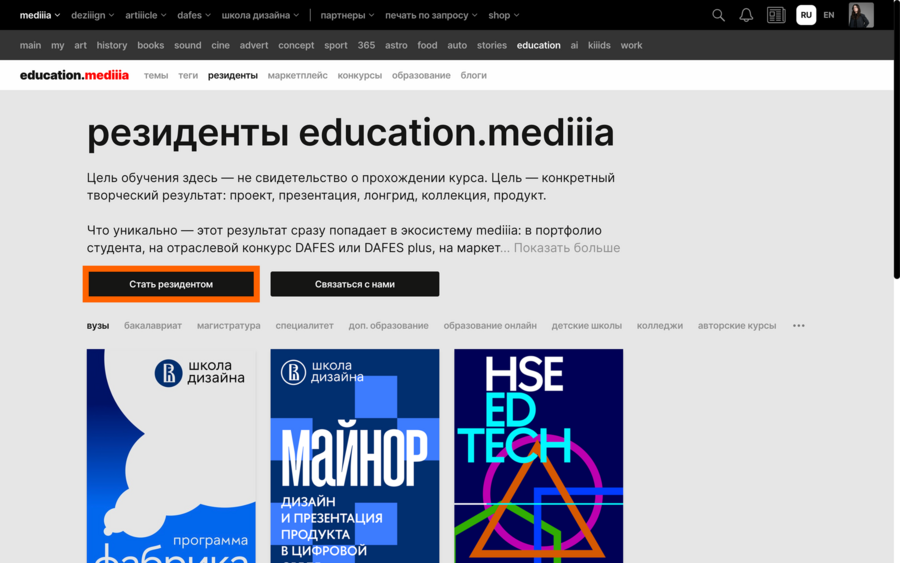
After navigating to the education.media context, we need to become residents.
(3) Find the «Residents» button. (4) Select the «Become a Resident» button.
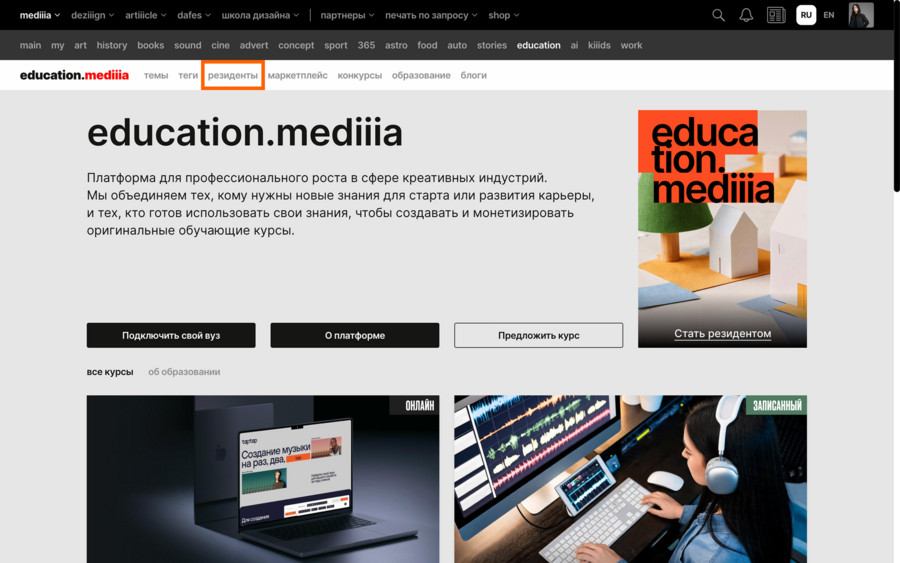
After this, you will be taken to the digital representation creation page. For more details on what this is and how the creation landing page works: see this guide
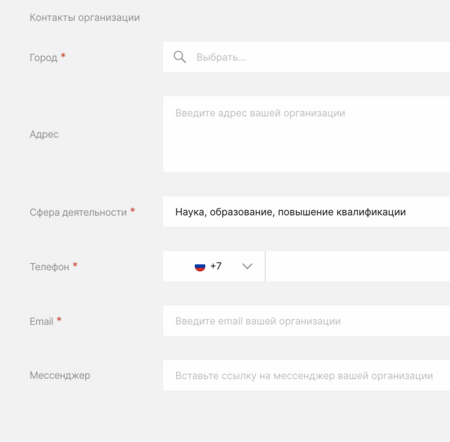
Field of activity (Step 3) is best set as: science, education, professional development.
Шаг 2
Find the created course
1. Locate your created organization. There are several ways to find it (see the slider below).
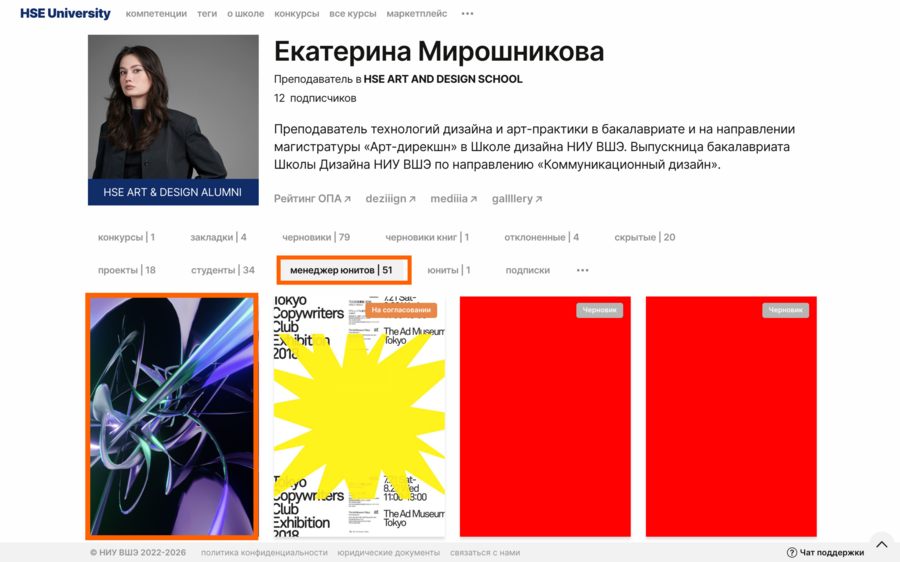
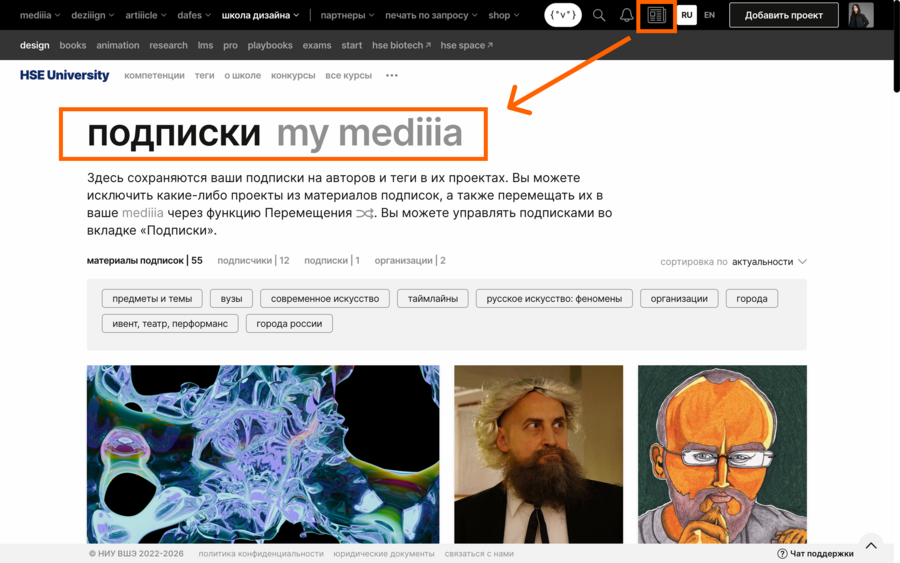
Шаг 3
Course Settings
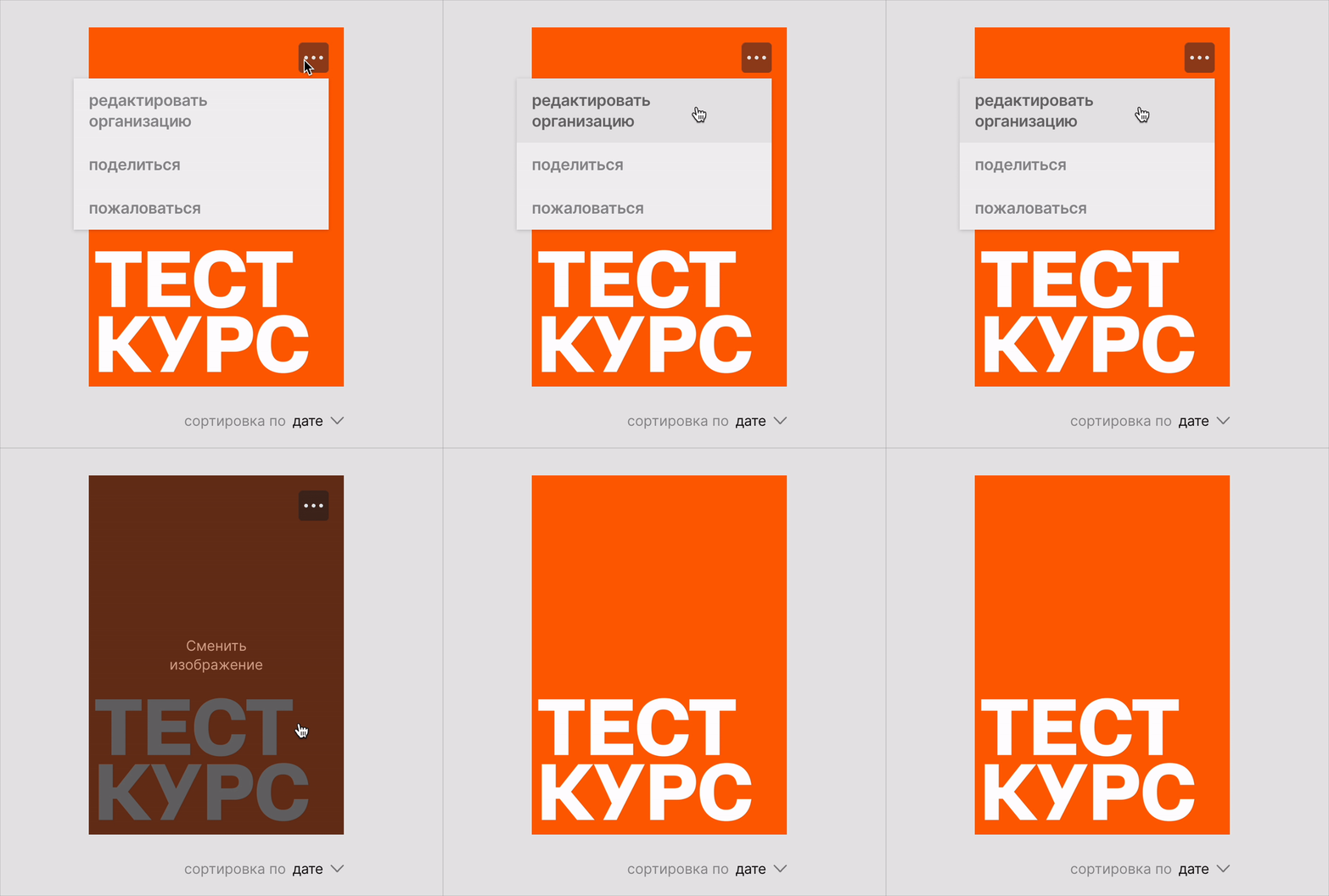
To access settings, hover the cursor over the three dots on the cover → Edit organization
There are four setting tabs in total.
We need the «Services» tab (here you will find all the additional features that can be connected to your organization).
Next, select the «Courses and Programs» service → «Create Course.»
Course Parameters
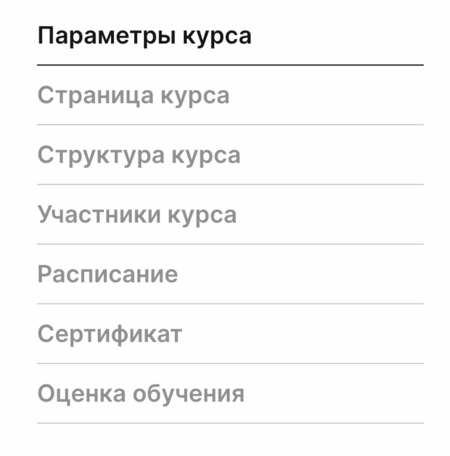
We have 7 parameters—let’s examine each one individually.
Настройки курса
Course Parameters
Here are the basic and required course settings; without these, your course cannot be submitted for approval.You must devise a name and description for the course, determine its duration in weeks and hours, and decide on the teaching format.
If you decide to make the course paid, there is a separate «Paid Course» function that you need to activate by checking the checkbox.
IMPORTANT! In this case, you must review the agreement via the «Download Agreement» button, sign it, and email it to us.
All information is displayed automatically in the settings.
Настройки курса
Course Page
Creating the course page is presented as a familiar long-form and presentation builder.
Approach the course page as a pitch deck—a presentation through which you must attract as many prospective students as possible to your course. The course page is the advertisement for your course; it is the gateway to the course.
The endpoint of the page is completing the application for your course.
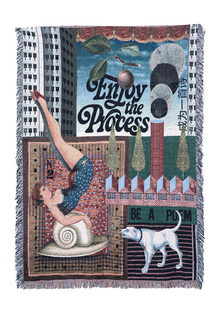
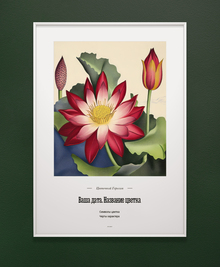
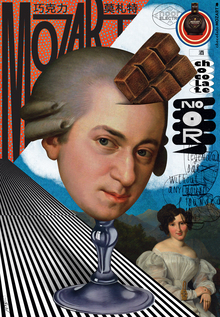
Excellent examples of course page design:
Minor: «Design and Product Presentation in the Digital Environment»
Motion Design and Video Editing Technologies
Ad Marginem Publishing School
ADDITIONAL NOTE: To make your presentation visuals more engaging, use long-form styling with HTML codesInstructions on how to use ↓