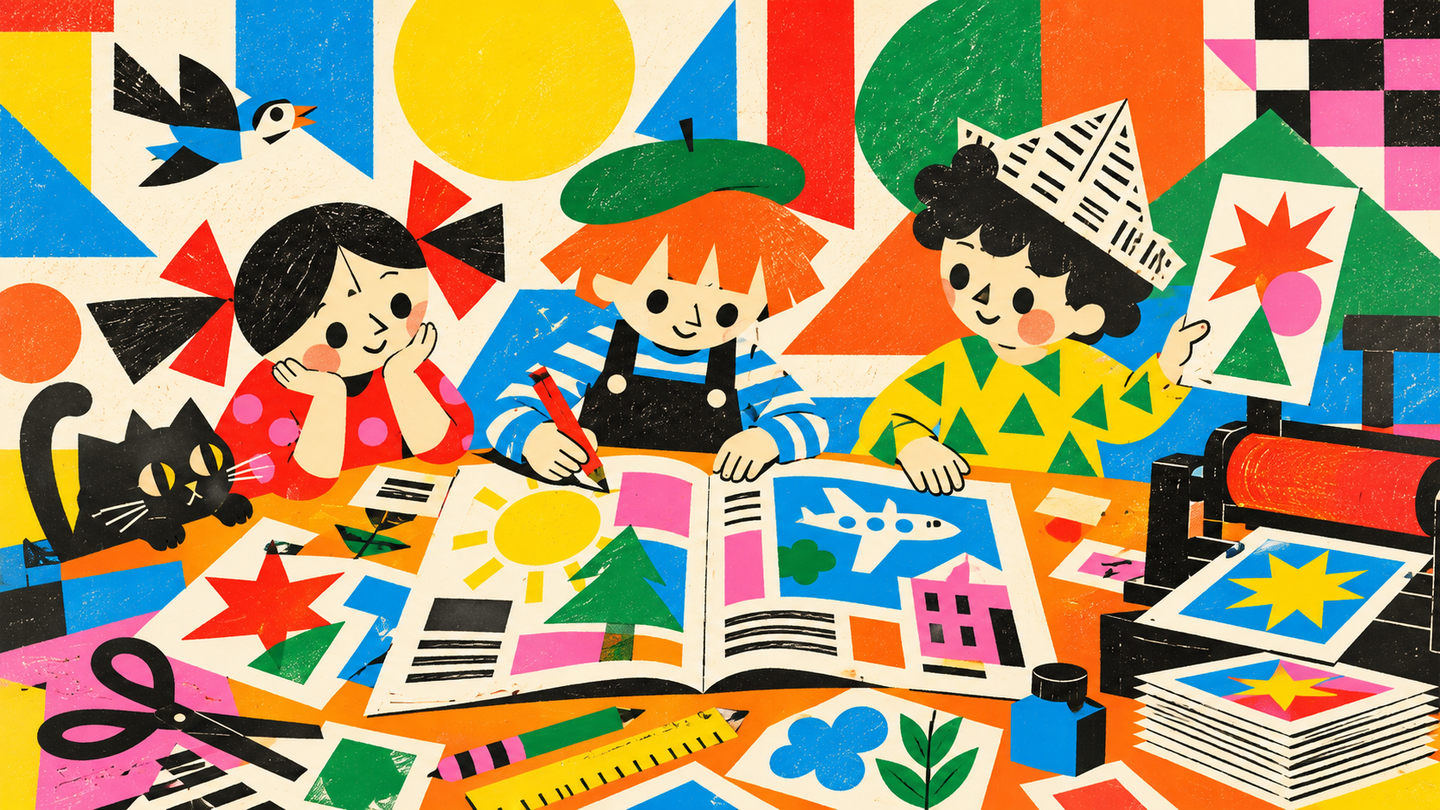
Детская редакция: дизайн, вёрстка и печать журнала
Детская редакция: создаём своё медиа. Курс 1
Creating an editorial magazine in the Kids School: developing content and visual style, mastering layout design, and publishing a print edition.
What is this course about?
The journal integrates diverse materials—articles, interviews, photography, illustrations, and collections—into a publication with a unified concept and visual language. Its character is defined by the selection of themes, the author’s stance, and the design execution. The layout of spreads, typography, the sequencing of sections, and print quality all influence how the reader perceives the content.The Kids School edition gives students the opportunity to choose topics independently and present their perspective on events and phenomena that interest them. Collaborating on an issue introduces them to the interplay between authors, editors, and designers. Participants make decisions regarding content and design, harmonize individual submissions with the overall concept, and prepare the publication for their readers.
As part of this course, students will develop a magazine concept, devise editorial sections, and prepare accompanying text and imagery. They will master the fundamentals of composition, typography, and multi-page layout using Adobe InDesign. Students will learn to work with an editorial calendar, discuss layouts, review materials, and prepare everything for print.
The final outcome will be a collaborative printed issue of the magazine, where each participant prepares and designs their own feature. Digital source files are saved for the subsequent creation of a web version in the second year.
Who is this course for?
This course is suitable for:
Students aged 12–15 who are interested in sharing their passions, photography, writing, working with images, and creative layout design. This course is ideal for participants who wish to explore the roles of author, editor, and designer within a collaborative publishing project.| Course Duration: 8 weeks.
| Contact Hours: 64 academic hours.
| Classes are held online.
Course Prerequisites
No prior knowledge of design, journalism, or layout is required. Basic computer skills are necessary: text input, folder creation, file saving, and searching.
For the course, you will need: ◆ A computer with Adobe InDesign; ◆ Equipment for printing and scanning; ◆ Paper, layout tools, and binding supplies for the magazine; ◆ A camera or smartphone for photography—if necessary.
What will students learn in this course?
Throughout this course, students will learn to:
1. Conduct a magazine layout analysis, identifying its target audience, sections, and visual characteristics.2. Develop an editorial concept, formulating the theme, readership, and editorial principles.3. Plan the issue’s content, distributing materials across sections, pages, and editorial contributors.4. Prepare and edit a short byline article, fact-checking and citing all sources for text and imagery.5. Develop the magazine’s visual concept, coordinating color, typography, and image usage.6. Construct spread compositions by employing grids, element hierarchy, and negative space.7. Utilize core Adobe InDesign tools for placing text and images.8. Design the cover and page navigation to reflect the issue’s content and visual concept.9. Review and refine layouts based on editorial discussion and proof printing.10. Prepare final layouts for print production and assemble the physical copy, accounting for the chosen format and binding method.What practical assignments will the course attendees complete?
Throughout the course, students will complete the following assignments:
1. Magazine Publication Research. A brief analysis of one suggested magazine, covering its target audience, sections, and three design features.2. Magazine Concept Presentation. A single sheet detailing the title, theme, reader profile, and material selection principles.3. Editorial Plan Schematic. A complete layout map for an issue, including sections, page numbers, responsible contributors, and preparation deadlines.4. Editorial Design for an Article. A short text or mini-interview, image selection, headline, captions, and source information.5. Visual Concept Project. A mood board, color palette, and examples illustrating the design of the headline, body text, and imagery.6. Composition Exercise. Two schematic versions of a single spread, accompanied by a brief justification for the chosen solution.7. Layout Exercise in Adobe InDesign. One to two finished spreads integrated into the magazine’s overall visual system.8. Cover and Navigation Design Project. A sketch of the cover and a sample layout for the Table of Contents or a section header.9. Copyediting and Technical Proofreading Exercise. A proofing sheet and a revised spread clearly marking all changes.10. Print Issue Project. A print-ready PDF of the entire issue and a compiled physical copy of the magazine.Thematic Curriculum Plan
1. The Journal as an Editorial and Design Project Journal structure: cover, table of contents, sections, main features, and production details. The relationship between content and visual design. The roles of the writer, editor, photographer, and designer. Activities: lecture, review of publications. Assessment: analysis of a published journal issue.2. Journal Concept and Audience Developing a central theme and title. The interests of potential readers, the tone and character of the publication. Coordinating participant proposals. Defining the editorial principles for material selection. Activities: discussion, concept development workshop. Assessment: journal concept presentation.3. Sections and Issue Planning Choosing formats: interviews, columns, photo series, reviews, roundups. Material sequencing, determining the issue length, and page allocation. Creating a paper mock-up of the issue structure. Activities: lecture, editorial workshop. Assessment: editorial plan diagram with individual responsibility zones.4. Preparing Text and Imagery Selecting the theme for an original piece. Writing a short text or conducting a mini-interview. Selecting photographs and graphics. Fact-checking, editing, headings, and captions. Citing authorship and obtaining permission to use external materials. Activities: text and image workshop, individual consultations. Assessment: editorial design of an original author piece.5. The Publication’s Visual Language References and mood boards. Color palette, typography, and image usage principles. Achieving design unity across diverse sections. Aligning the overall concept with the editorial team. Activities: lecture, design workshop, discussion. Assessment: visual concept design.
6. Page and Spread Composition Format, margins, columns, and modular grid systems. Semantic center, image scale, text hierarchy, and negative space. The relationship between two pages in a spread and reading rhythm. Content: demonstrations and composition workshops using paper or digital elements. Assessment: two compositional variations of a single spread.7. Adobe InDesign Fundamentals Interface, document setup, pages, and spreads. Text and graphic frames, image placement, scaling, and cropping. Guides, alignment, file saving, and working with linked assets. Content: short demonstrations, a series of guided exercises, and individual practice. Assessment: a layout spread created using provided materials.8. Typography and Layout of Original Material Font size, line length, leading, and readability. Paragraph styles, heading formatting, captions, and pull quotes. Repeating elements and page numbering. Laying out one’s own material according to agreed-upon standards. Content: lectures, practical workshops, and consultations. Assessment: a design project comprising one or two original spreads.9. Magazine Cover and Navigation The relationship between the title, main image, and feature announcements. Connecting the cover to the issue’s content. Formatting the Table of Contents, section identifiers, and publication details. Selecting a unified solution from participant proposals. Content: case study reviews, a design workshop, and an editorial discussion. Assessment: a cover and navigation design project.
10. Layout and Copyediting Assembling the author’s sections into a unified layout. Checking page sequence, stylistic consistency, and material completeness. Identifying textual errors, overflowing frames, and image issues. Reviewing test prints. Composition: editorial review, peer review using a checklist, and correction workshop. Control Element: exercise in editorial and technical copyediting.11. Prepress and Publication Selecting paper stock and binding method. Bleeds, safe margins, image quality, and print file parameters. Exporting PDF, proof printing, and checking page order. Printing, folding, and assembling copies under instructor guidance. Composition: demonstration, prepress workshop, assembly studio. Control Element: printed publication project.12. Magazine Presentation and Digital Archive Presenting the issue to the readers. Explaining the concept and individual design choices. Discussing the editorial process. Photographing the magazine. Composition: presentation Control Element: final project presentation
Final Project
Print issue of the journal, including original author submissions. The volume ranges from 16 to 32 pages.
Technologies and Learning Environment
Classes take place in an in-person studio equipped with computers, printed publication samples, printing equipment, and a manual assembly area.The core of the course is collaborative project-based learning: each participant is responsible for their own material and contributes to shared editorial tasks.The curriculum includes: → lectures and sample analysis — to introduce publishing design; → editorial seminars — to select themes and finalize decisions; → design workshops — to develop composition and layout; → software workshops — to master InDesign; → individual consultations — to refine original content sections; → print proofs and manual layout — to test solutions in a physical format; → final reader review — to discuss the completed issue.The instructor coordinates the editorial team’s work and assists with the technical assembly of the publication. Participants independently make substantive and design decisions within the framework of the overall concept.