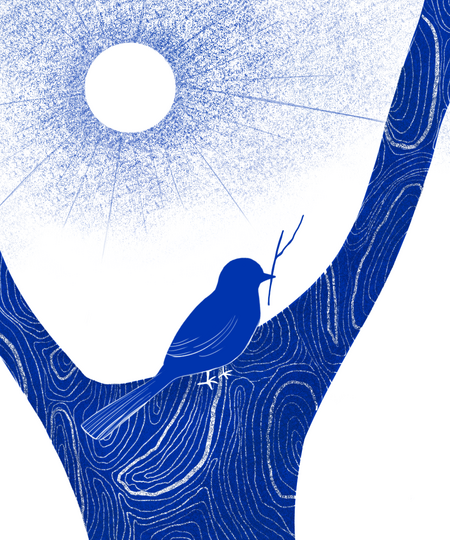
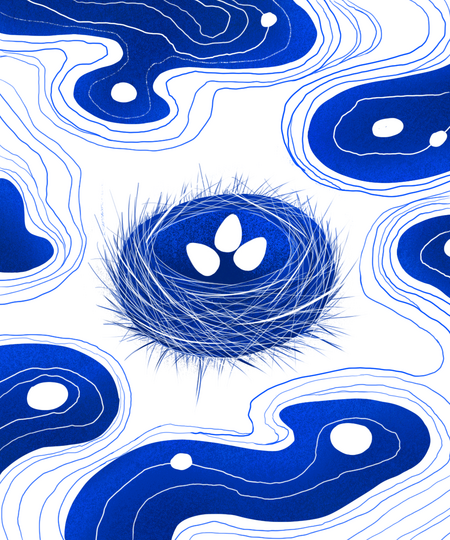
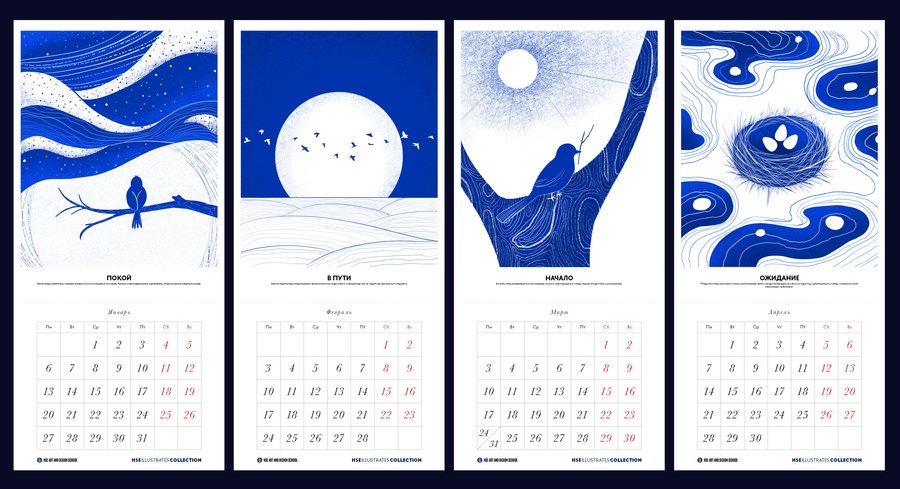
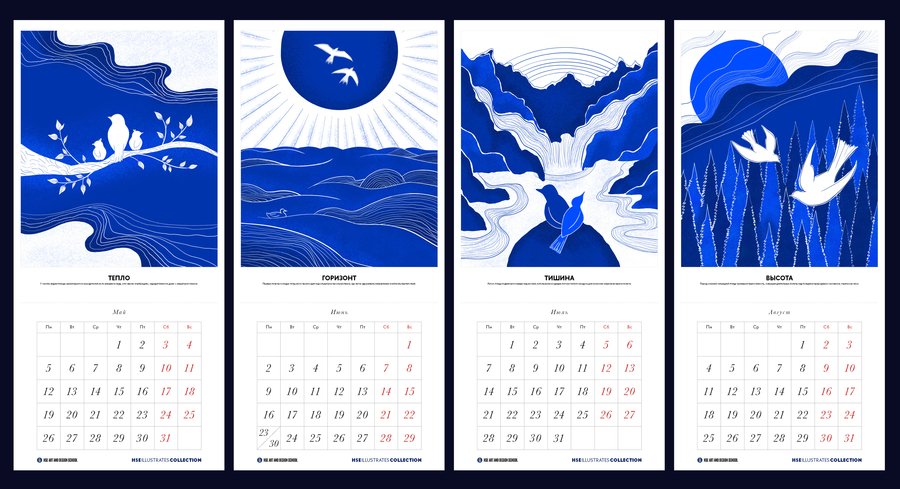
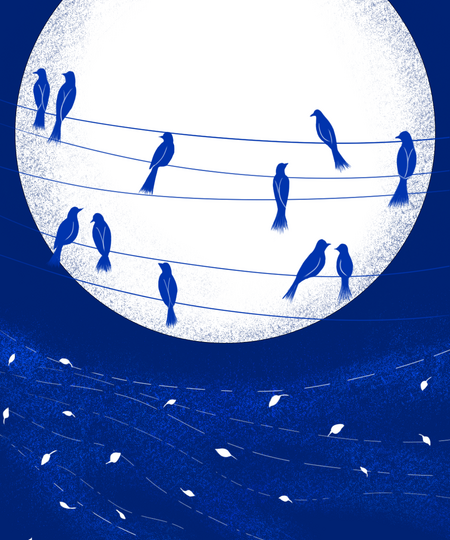
«Перелет» — календарь из 13 иллюстраций, построенных как серия наблюдений
за птицами в течение года.
Иллюстрации выполнены в минималистичном абстрактном стиле, задачей было передать атмосферу и ощущение каждого месяца.
Календарь дополнен мини-фактами о птицах.
Иллюстрации
Связанные карточки | 2
Январь — Февраль
Связанные карточки | 2
Март — Апрель
Original size 3500x1900
«Птицы способны запоминать точное расположение своего гнезда и возвращаться
к нему из года в год, ориентируясь по солнцу, магнитному полю и визуальным ориентирам.»
Связанные карточки | 2
Май — Июнь
Связанные карточки | 2
Июль — Август
Original size 3500x1900
«Первые полеты молодых птиц часто происходят над открытыми
пространствами, где легче удерживать направление и избегать препятствий.»
Связанные карточки | 2
Сентябрь — Октябрь
Связанные карточки | 2
Ноябрь — Декабрь
Original size 3500x1900
«Во время миграции птицы часто собираются
в стаи, что снижает риск нападения хищников и помогает сохранять ориентиры в пути.»
Press space bar to start a drag.
When dragging you can use the arrow keys to move the item around and escape to cancel.
Some screen readers may require you to be in focus mode or to use your pass through key
Press space bar to start a drag.
When dragging you can use the arrow keys to move the item around and escape to cancel.
Some screen readers may require you to be in focus mode or to use your pass through key
Press space bar to start a drag.
When dragging you can use the arrow keys to move the item around and escape to cancel.
Some screen readers may require you to be in focus mode or to use your pass through key
Press space bar to start a drag.
When dragging you can use the arrow keys to move the item around and escape to cancel.
Some screen readers may require you to be in focus mode or to use your pass through key
Press space bar to start a drag.
When dragging you can use the arrow keys to move the item around and escape to cancel.
Some screen readers may require you to be in focus mode or to use your pass through key
Press space bar to start a drag.
When dragging you can use the arrow keys to move the item around and escape to cancel.
Some screen readers may require you to be in focus mode or to use your pass through key
Press space bar to start a drag.
When dragging you can use the arrow keys to move the item around and escape to cancel.
Some screen readers may require you to be in focus mode or to use your pass through key
Press space bar to start a drag.
When dragging you can use the arrow keys to move the item around and escape to cancel.
Some screen readers may require you to be in focus mode or to use your pass through key