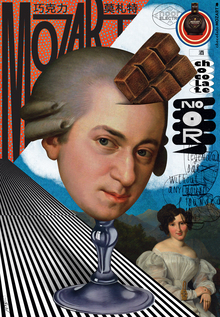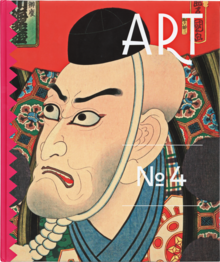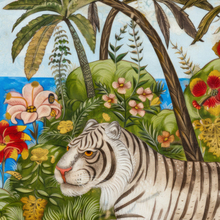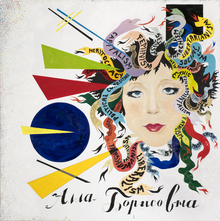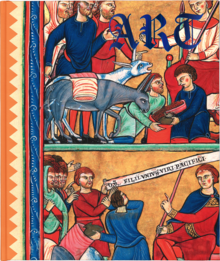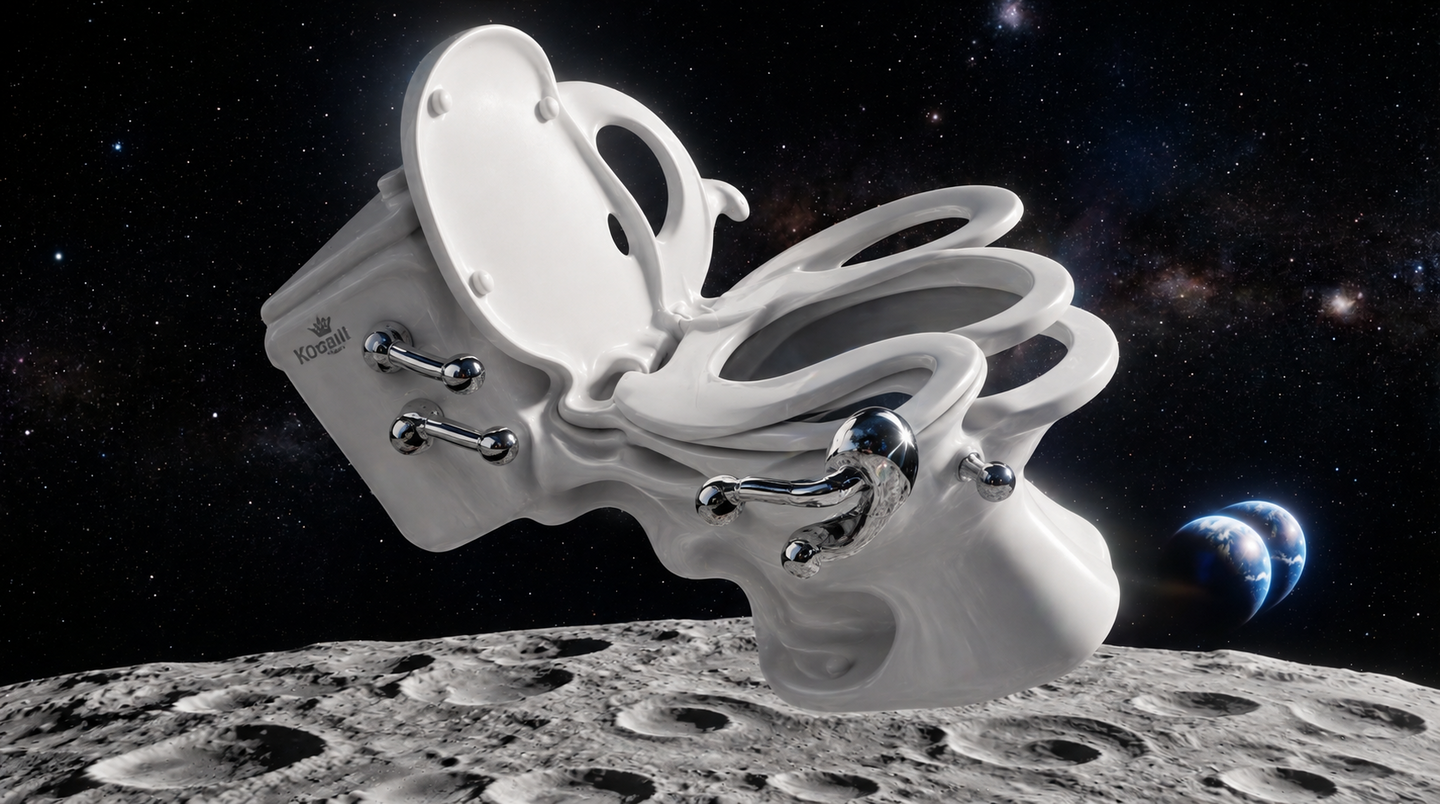
Images generated by neural networks are almost always flawed. This course teaches students how to identify, correct, and prepare the image for publication and print.
Abstract
AI often makes small mistakes—extra fingers, odd eyes, or distorted text. In this course, you will learn to spot and correct these errors using Photoshop and AI tools themselves. We cover everything from the ground up.Upon completion, you will have six revised images, presented in both «before» and «after» versions, ready for publication and print.
For whom
Who it’s for: Professionals from any field who generate images and want to bring them to a polished final result. Duration: 6 weeks, 12 sessions of 1.5 hours each. Format: Online. Prerequisites: Ability to generate images; retouching experience is not required; ability and means to pay for AI network subscriptions.
Intended Learning Outcomes
TASK 1. Finding errors in a neural network image. TASK 2. Correcting details using retouching and neural network tools. TASK 3. Adapting a shot for 1:1, 4:5, and 9:16 formats. TASK 4. Compositing an object and background seamlessly. TASK 5. Harmonizing a series of images for consistent lighting and color. TASK 6. Preparing images for social media publication and print.
Control Elements
EK 1 (PRO 1). Error annotation on 5 images. EK 2 (PRO 2). Three corrected images—"before/after.» EK 3 (PRO 3). One frame in three formats with no visible seams. EK 4 (PRO 4). Object on a new background with accurate shadow. EK 5 (PRO 5). A series of 6 frames in a unified color palette. EK 6 (PRO 6). Files for social media and a print-ready file verified by screen color matching.
Thematic Plan
- Neural Photo Errors. Hands, eyes, text, light: where the AI makes mistakes. Lecture.
- Detail Correction. Retouching and replacing parts of an image using AI. Lecture + Workshop.
- Format Shifting. Extending a frame to fit 1:1, 4:5, and 9:16. Workshop.
- New Backgrounds. Placing an object onto a different background: shadows, perspective. Workshop.
- Light and Color. Harmonizing a series to a single palette. Workshop.
- Publishing and Print. Scaling up, exporting for social media and print. Workshop + Critique.
Technologies and Learning Environment
Classes are held online: lectures are recorded, while practical sessions take place via real-time video conference with screen sharing. Methodologies include analyzing techniques using live examples, practical assignments, group work reviews, and peer critique.
Programs and tools: Photoshop with generative fill—retouching and formatting; Topaz Photo AI or Magnific—upscaling; Midjourney or Flux—detail regeneration.