Создание веб-игры с помощью ИИ
Курс 2
Mastering AI tools and creating a web version of your own board game: adapting rules, developing the game interface, testing, and publishing the final project.
What is this course about?
The web game launches in a browser, allowing users to interact with the on-screen game objects. The program performs several actions that players would complete manually in a board game: moving components, scoring points, and checking condition fulfillment. Translating a game into a digital environment requires rethinking the controls, visual design, and methods of explaining the rules.
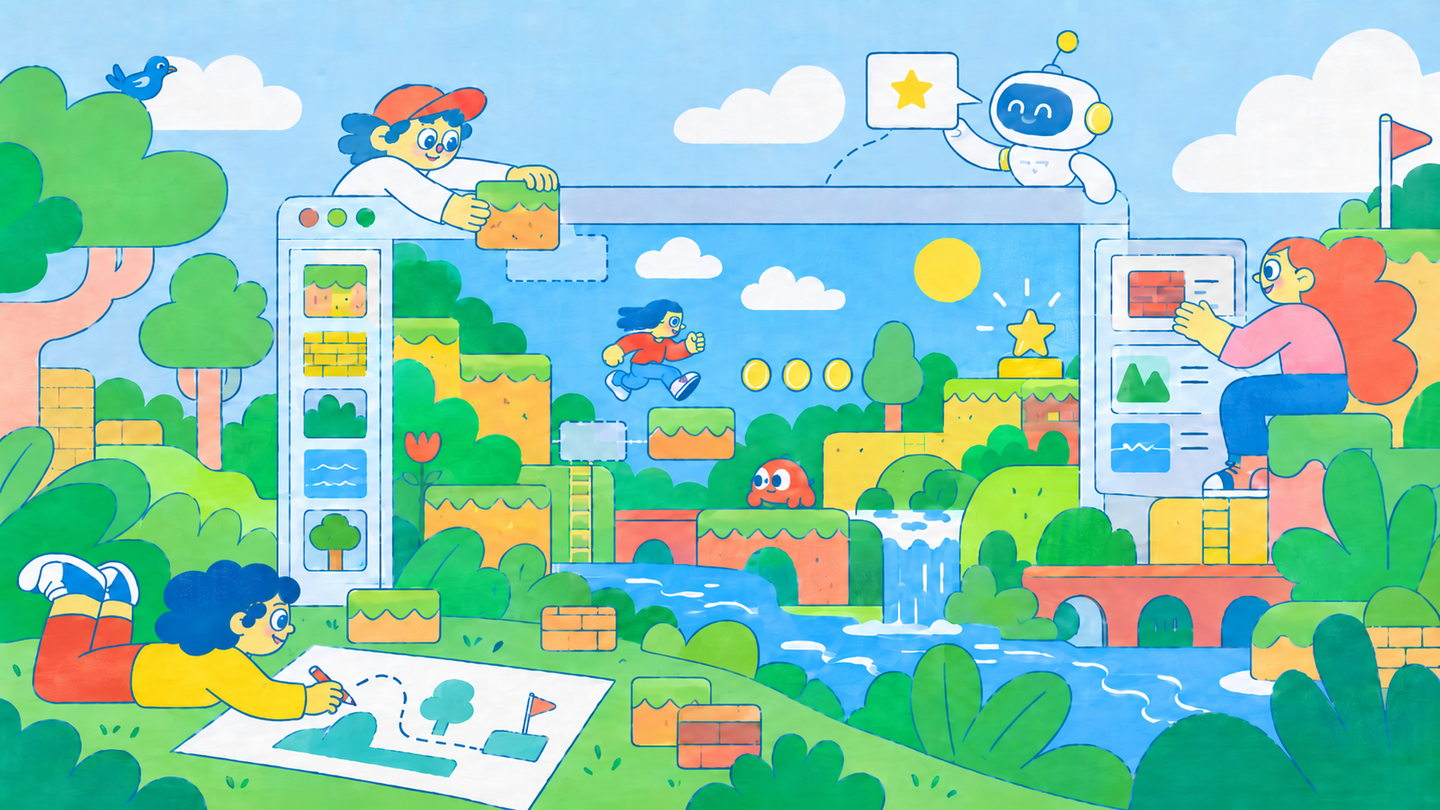
In this course, students will create a digital version of a board game developed in their first year. They will adapt the mechanics for the browser, design the layout of the game screens, and prepare their own graphic assets. They will learn how to prompt an AI assistant to generate software code, mastering the art of iteratively refining the output to ensure it aligns with the original creative vision. The interface will be developed using paper mockups and then refined directly within a working prototype.
Who is this course for?
This Course is for:
Students aged 12–15 who are interested in game creation, digital design, and utilizing artificial intelligence to realize their own ideas.| Course duration: 8 weeks.
| Number of contact hours: 64 academic hours.
| Classes are conducted online.
Course Prerequisites
Before starting the course, the student must be able to: ◆ have a paper prototype of a board game, a rules description, and graphic materials; ◆ be able to explain the game’s objective, participant actions, and winning conditions; ◆ possess basic computer skills: creating folders, saving files, opening images, and using a web browser; ◆ have introductory experience in graphic preparation, gained in the first year or independently.Knowledge of programming languages and experience with AI are not required.
For classes, a computer with internet access, a web browser, an AI assistant for code creation and editing, a project execution environment, paper, and pencils for sketching are necessary.
What will students learn in this course?
Throughout the course, students will learn to:
1. Develop a concept for a computer game.2. Define the game logic through player actions, their execution conditions, and program reactions.3. Design the structure of game screens and the placement of control elements using diagrams and sketches.4. Formulate prompts for the AI assistant, specifying the required outcomes and verification methods.5. Assemble a functional prototype with core mechanics and game completion using AI.6. Prepare original graphic assets for use in a browser game.7. Develop the game interface design using AI, managing composition, color, typography, and graphic placement.8. Identify and document errors, formulate requests for corrections, and verify the implemented changes.9. Present the finished project, explaining the adjustments from the board game version, the design decisions, and the role of AI in the development process.What practical assignments will the course attendees complete?
During the course, students will complete the following assignments:
1. Game Concept. A document detailing the components, rules, and in-browser controls.2. Game Logic Flow. A sequence mapping player actions and program responses, including win/loss conditions.3. Interface Structure Design. Paper mockups of key screens showing the placement of game objects, buttons, and hints, along with a diagram of transitions between them.4. AI Prompt Engineering Exercise. The initial and refined prompt for implementing a single game action, including criteria for validating the result.5. Functional Prototype Design. A working version of the game featuring core mechanics, game conclusion, and restart functionality.6. Graphics Preparation Exercise. A set of images for a single game screen, ensuring appropriate dimensions, formats, and clear file naming conventions.7. Web Game Visual Design Project. A game screen incorporating original artwork, a selected color palette, typography, and styled control elements.8. Bug Fixing Exercise. A description of the issue, a request for refinement, and a demonstration of the result before and after the fix.9. Final Project Presentation. A demonstration of the game, a comparison between the physical and digital versions, and an explanation of key design decisions and iteration stages.Thematic Course Plan
1. Adapting a Board Game for the Browser Differences between physical and digital interaction. Transferring the board, cards, tokens, and other components to the screen. Automating scorekeeping and rule validation. Selecting a mode: single-player or turn-based play on one device. Defining the scope of the educational project. Format: lecture, case study analysis, design workshop. Assessment element: board game adaptation schematic.2. Game Logic: Actions, Conditions, and States Describing rules as a sequence of actions. Core game data: scores, object positions, current participant, and available moves. Conditions for executing actions, winning, losing, or drawing. Validating logic in specific game scenarios. Format: lecture with examples, practical exercises, consultation. Assessment element: game logic schematic.3. Game Screens and Controls First introduction to the game, starting a match, gameplay, and final result. Placement of the board, buttons, counters, and hints. Distinguishing between game objects and interface controls. Creating paper sketches and verifying transitions between screens. Format: lecture, workshop, peer review. Assessment element: interface structure design project.4. Working with AI: Task Definition and Result Refinement The capabilities of the AI assistant in game creation and the necessity of verifying its output. A brief overview of web project structure: page content, visual design, and programmatic logic. Constructing a prompt: task, conditions, constraints, and expected outcome. Dividing development into small, verifiable stages. Format: demonstration, example breakdown, prompt exercises. Assessment element: AI prompting exercise.5. Creating the First Functional Prototype Project setup and browser launch. Sequential implementation of core actions using AI. Validating scorekeeping, turn changes, and other necessary mechanics. Completing a match and restarting. Saving working versions before making changes. Format: practical lab sessions, one-on-one consultation. Assessment element: functional prototype design project.
6. Creating Original Graphics Utilizing board game assets: cards, game board, characters, and symbols. Adapting graphics for the screen. Image sizing, transparent backgrounds, and file formats. Ensuring detail legibility at a small scale. Organizing materials for project integration. Format: Demonstration and practical workshop. Assessment component: Graphics preparation exercise.7. AI Interface Design Applying the visual style of the board game to the digital version. Describing composition, color, typography, and object placement in AI prompts. Integrating custom artwork. Iteratively refining sizing, padding, and visual emphasis. Checking the layout directly in the browser. Format: Design workshops, interim reviews, and consultations. Assessment component: Web game graphic design project.8. Player Prompts and Feedback Communicating available actions through interface elements. Highlighting the selected card or object, indicating the active turn, and marking unavailable actions. Messages for success, errors, and game completion. Using color, text, and simple visual effects to convey game state. Format: Case study analysis and practical workshop. Assessment component: Interface feedback development exercise.9. Bug Hunting and Fixing Distinguishing between mechanics errors, software implementation issues, and visual presentation errors. Reproducing a problem and detailing the sequence of steps. Comparing expected versus actual outcomes. Submitting requests for specific bug fixes. Re-verifying and restoring previous working versions when necessary. Format: Demonstration, case study review, and lab work. Assessment component: Bug fixing exercise.
10. User Testing and Refinement Observing a person as they interact with the game for the first time. Checking the clarity of the rules, controls, hints, and action outcomes. Documenting difficulties without intervening in the gameplay. Selecting the most critical improvements, refining with the aid of AI, and retesting. Composition: paired gameplay testing, discussion, practical refinement. Assessment Component: User Experience (UX) research.11. Publication and Final Game Review Preparing final files and deploying the project on the learning platform. Providing a title, a brief description, and a control manual. Checking the loading of images, button functionality, and mechanics after publication. Testing the game via a link on a different computer. Archiving source materials. Composition: demonstration, practical workshop, peer review. Assessment Component: Published web game project.12. Presentation and Play Demo Presenting the finished projects. Comparing the tabletop and browser versions: analyzing changes in rules, controls, and visual design. Discussing authorial choices, AI integration, and testing results. Exploring potential future development paths for the game. Composition: presentations, gameplay sessions, final discussion. Assessment Component: Final project presentation.
Final Project
Published browser version of the original board game, including: functioning core mechanics; interface with original graphic design; rules, hints, and action outcome notifications; game conclusion and restart functionality; source files and a brief project presentation.
The recommended scope is a game with a short, completed session for one player or multiple players taking turns on a single device.
Technologies and Learning Environment
Classes are held in person. We utilize AI assistants for coding, a project runtime environment, and a browser. Initial sketches and concepts are developed on paper.The following are employed: → Lectures and example analysis—to study the nuances of web games and methods for adapting board game mechanics; → Workshops—to develop the structure of game screens, prepare graphics, and design the interface; → Practical laboratory sessions—to build the game using AI, test mechanics, and debug; → Playtesting—to evaluate the clarity of rules, controls, and interface responsiveness; → Individual consultations—to resolve design and technical challenges in personal projects; → Mid-term reviews and refinement—to ensure the final result aligns with the initial concept and to enhance the player experience; → Final presentation and gameplay demonstration—to discuss project outcomes and future development.