What awaits you in the blog
Week 4 Light Hierarchy and Scenarios [4.1] Four Layers of Light [4.2] Light Hierarchy [4.3] Lighting Scenarios [4.4] Scenario Plan Assignment: Create a scenario plan for your space
Week 5 Standards and Calculation [5.1] What Standards Say [5.2] Light Quality in Numbers [5.3] Calculating in DIALux evo [5.4] How to Read the Results Assignment: Calculating Your Own Space
Section Glossary
Dimmer — brightness regulator SP 52.13330 — building code detailing illumination standards Еср — average illuminance, which is the metric checked against the standard U0 — uniformity: Emin divided by Еср UGR — glare index Кп — pulsation coefficient, invisible flickering False colors — colored illuminance map
Week 4
04 Visual Hierarchy and Scenarios
We deconstruct light into layers and assemble scenarios from them to suit different times and objectives.
4.1 Four Layers of Light
Light Layer — light with a single purpose. A good project has multiple layers, and each can be controlled individually.
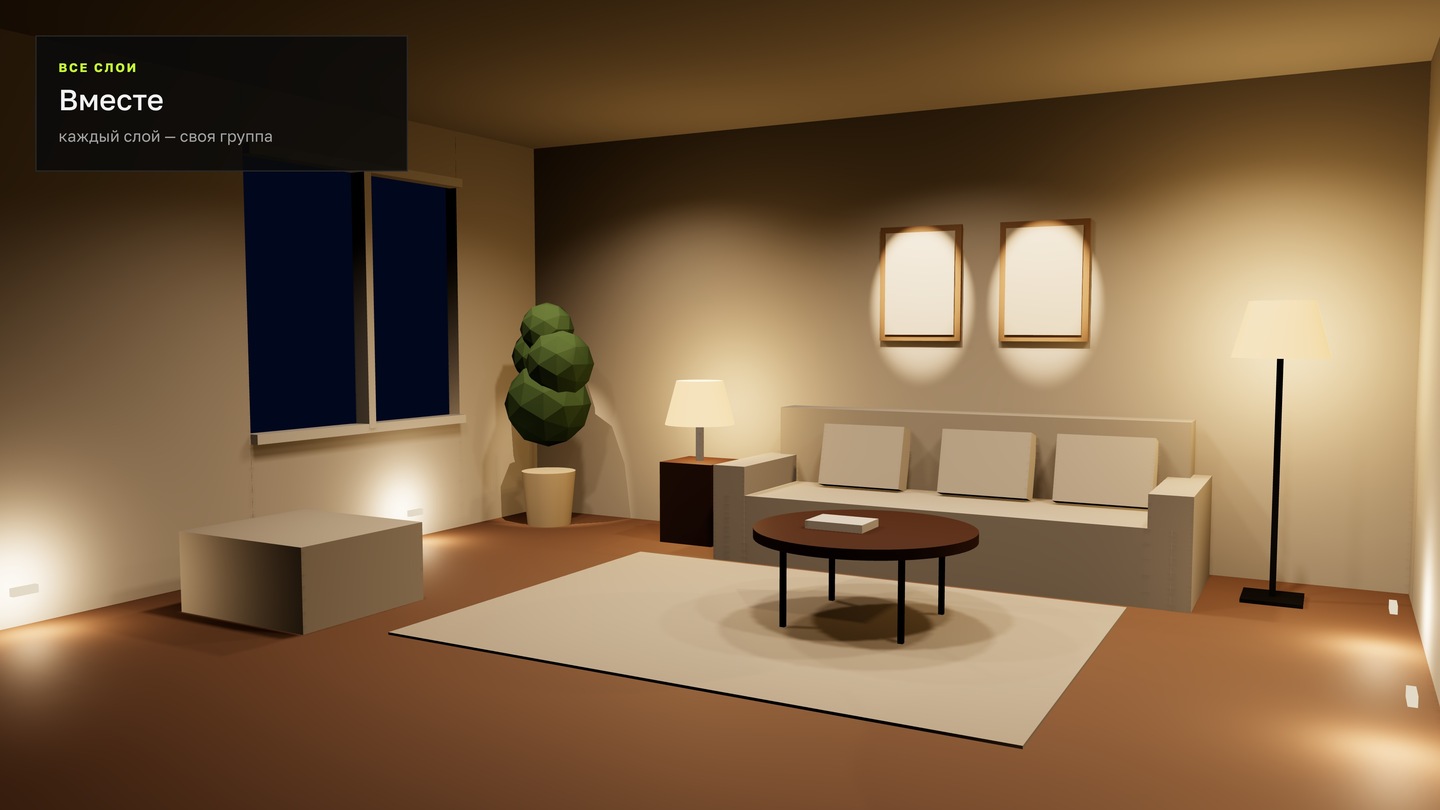
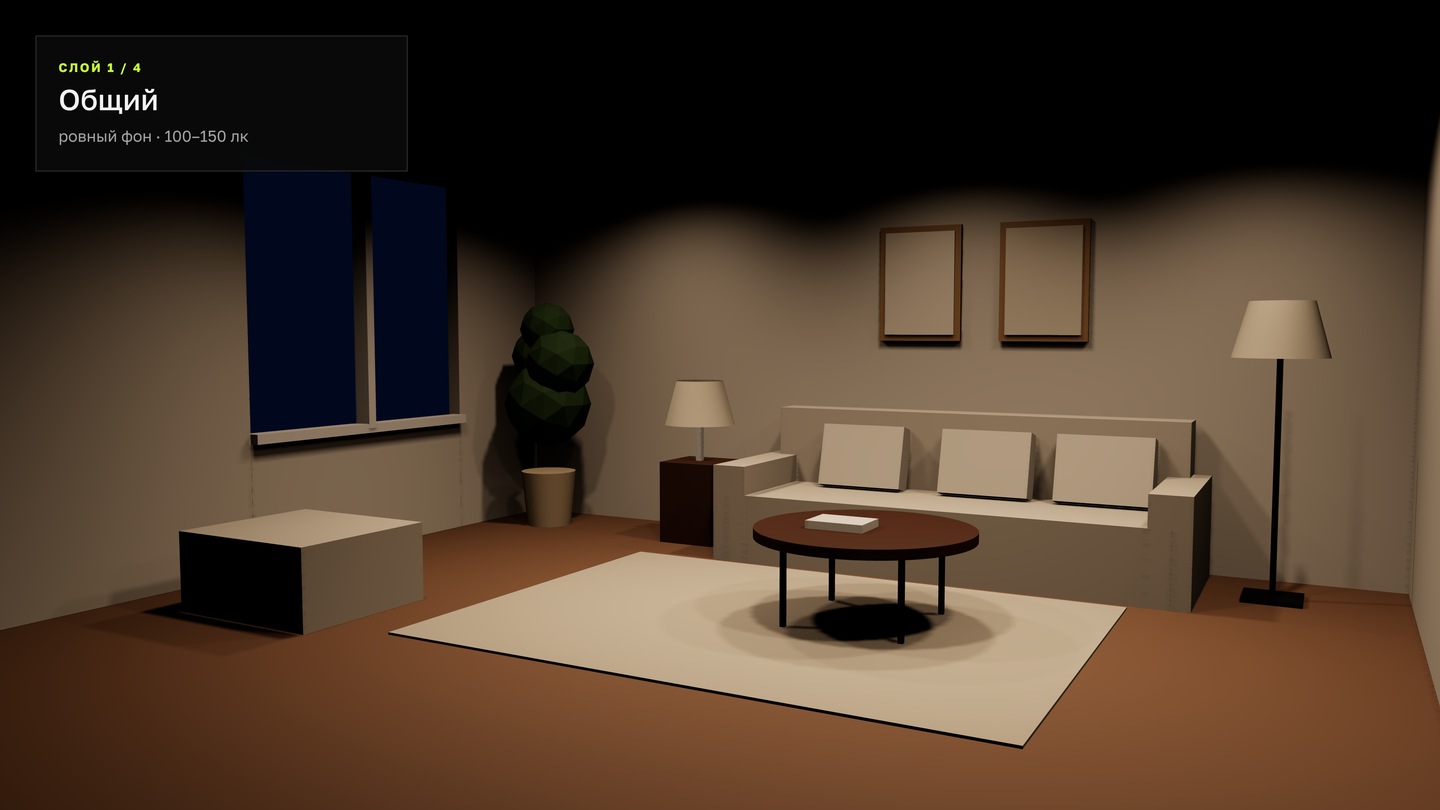

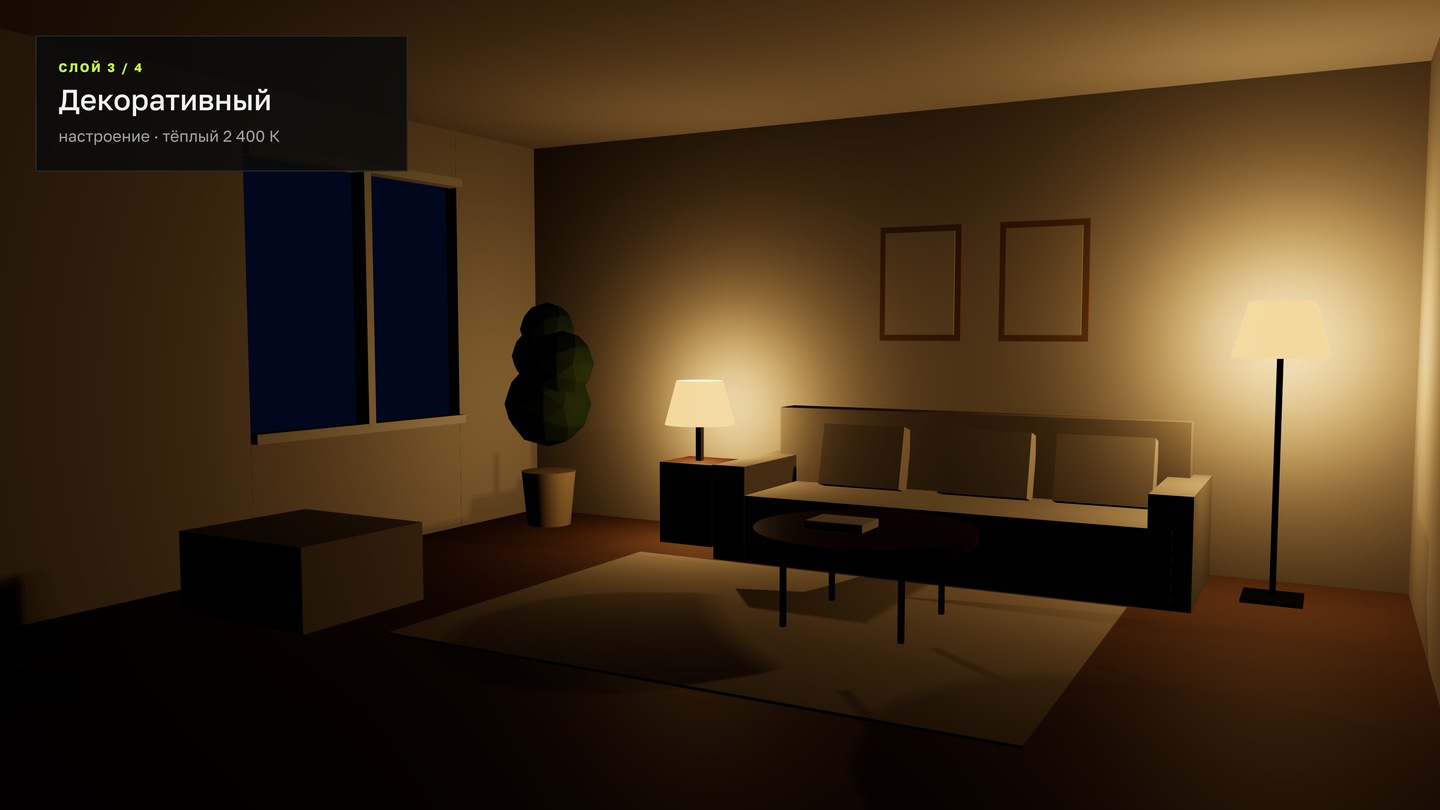
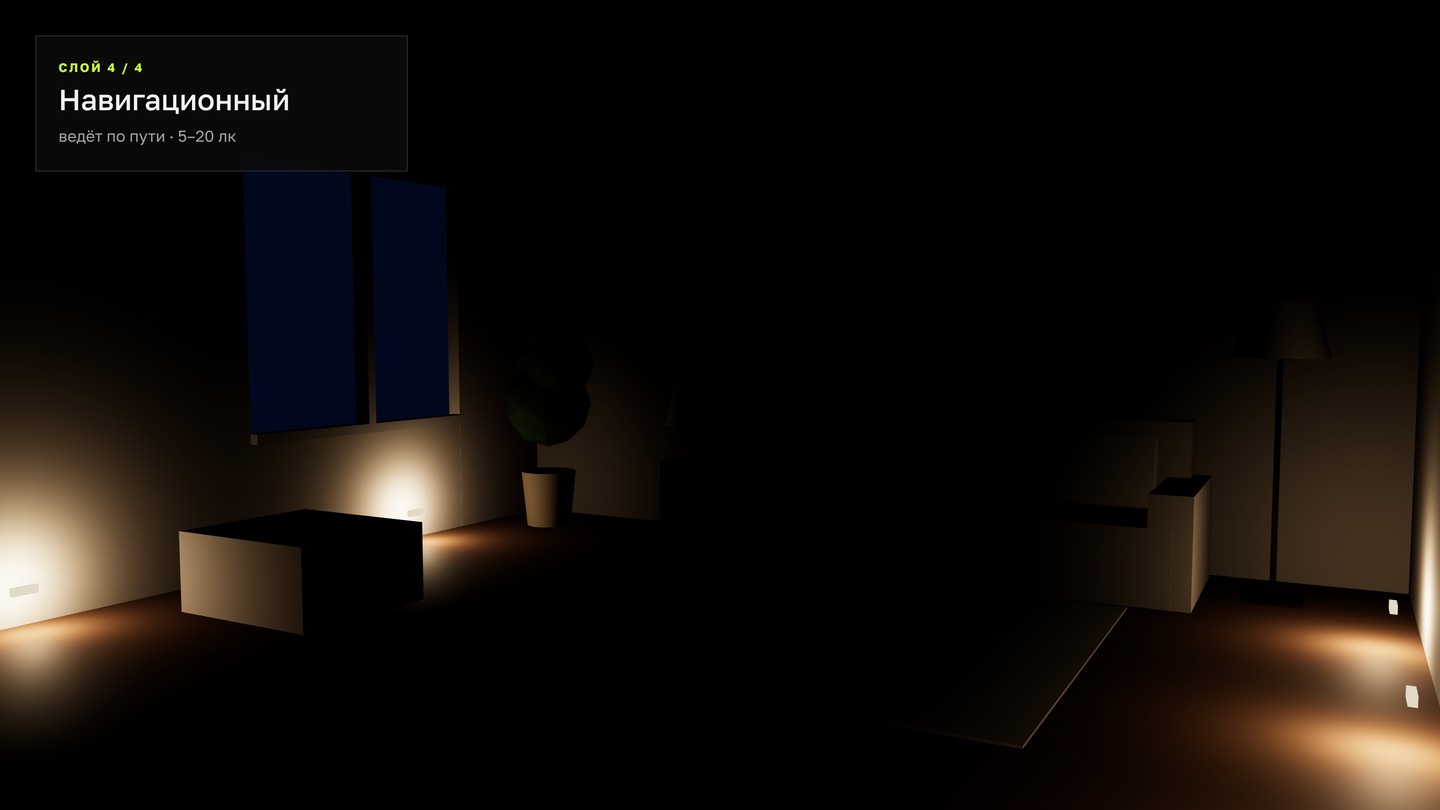
General A uniform background for spatial orientation. Typically 100–150 lux.Accent Highlights key features: a painting, a display window, or a stand. 3–10 times brighter than the background.Decorative Creates ambiance and is beautiful in itself: pendants, sconces, floor lamps, niche lighting.Wayfinding Guides people: lighting on steps, passageways, and entrances. Subtle—5–20 lux—but consistent.
4.2 Visual Hierarchy
Light hierarchy—the order in which the eye reads space: from the brightest to the darkest.
- Decide what the main focus of the space is.
- Make that place the most vibrant element.
- Everything else should be at least three times quieter.
- Check for any stray bright spots that conflict with the main focus.
Squint as you look at the render or photograph. What remains visible is what sits at the top of the hierarchy.
4.3 Lighting Scenarios
Scene (Lighting scene) — a set of layers and their brightness levels for a specific situation: morning, working, evening, or event.
Each scene describes three things: which layers are active, the lux level in each zone, and the color temperature.
Morning Vibrant: 4,000 K, 400–500 lux on the tables, the display is the brightest. Day Neutral: 3,500 K, around 300 lux, comfortable for working on a laptop. Evening Intimate: 2,700 K, 30% general lighting, accent lights above the tables.
For the scenarios to function, the light fixtures are grouped and connected to a dimmer or controller.
4.4 Storyboard Plan
Story plan — a floor plan showing zones, layered lighting fixtures, and a numerical identifier for each scenario.
- Zones: tables, counter, display case, walkway.
- Lighting fixtures—represented by symbolic icons; a unique icon for each layer.
- Control groups—labeled A, B, C.
- For each scenario—lux and kelvin values per zone.
Easily design in Figma: one main file, and each scenario is a copy with different variables.
Practical Assignment Week 4
Scripted Plan for Your Space 3 — Scenarios on the Plan 4 — Light Layers 3+ — Zones 2 — Numbers for Zones: Lux and KelvinWorkflow 01. Take the space plan from Week 1 and divide it into zones. 02. Decide what layers are needed in each zone. 03. Place the fixtures using icons and group them. 04. Describe 3 scenarios: which groups are lit, and how many lux and kelvins are in each zone. 05. Check the hierarchy: each scenario must have one main focus area.